Pending reviews and local comments
Revue has two kinds of comment you write yourself. On a pull request, a comment waits in your pending review until you submit. On your own local work, a comment stays on your Mac for good. The card says which: Pending or Not sent.
Pending and Not sent
Section titled “Pending and Not sent”Pending is for a pull request on GitHub. A comment you write there goes to your pending review, as it would on github.com. Only you can see it until you submit. Until then you can edit it or delete it, and the review panel lists it under Your pending comments.
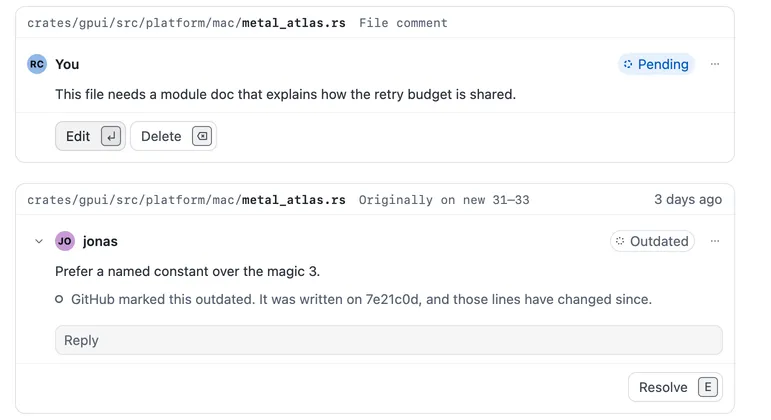
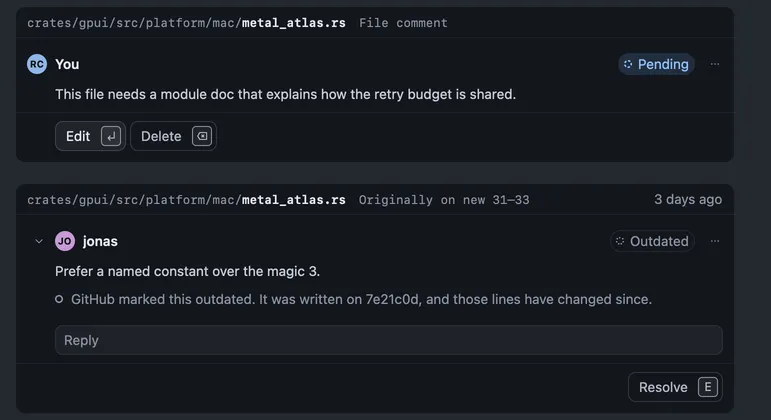
Not sent is for a branch, a layer or a working copy on your Mac. Comments there never go to GitHub, and they don’t post when you push. Use them as notes to yourself, or to send to a coding agent:
- Press ⌥⌘↩ to send your open comments to the Claude Code or Codex session working in this checkout.
- The agent replies on the card and marks the comment Addressed when it says it dealt with it.
- Check its work, then resolve the comment (⇧E) or set it back to open.
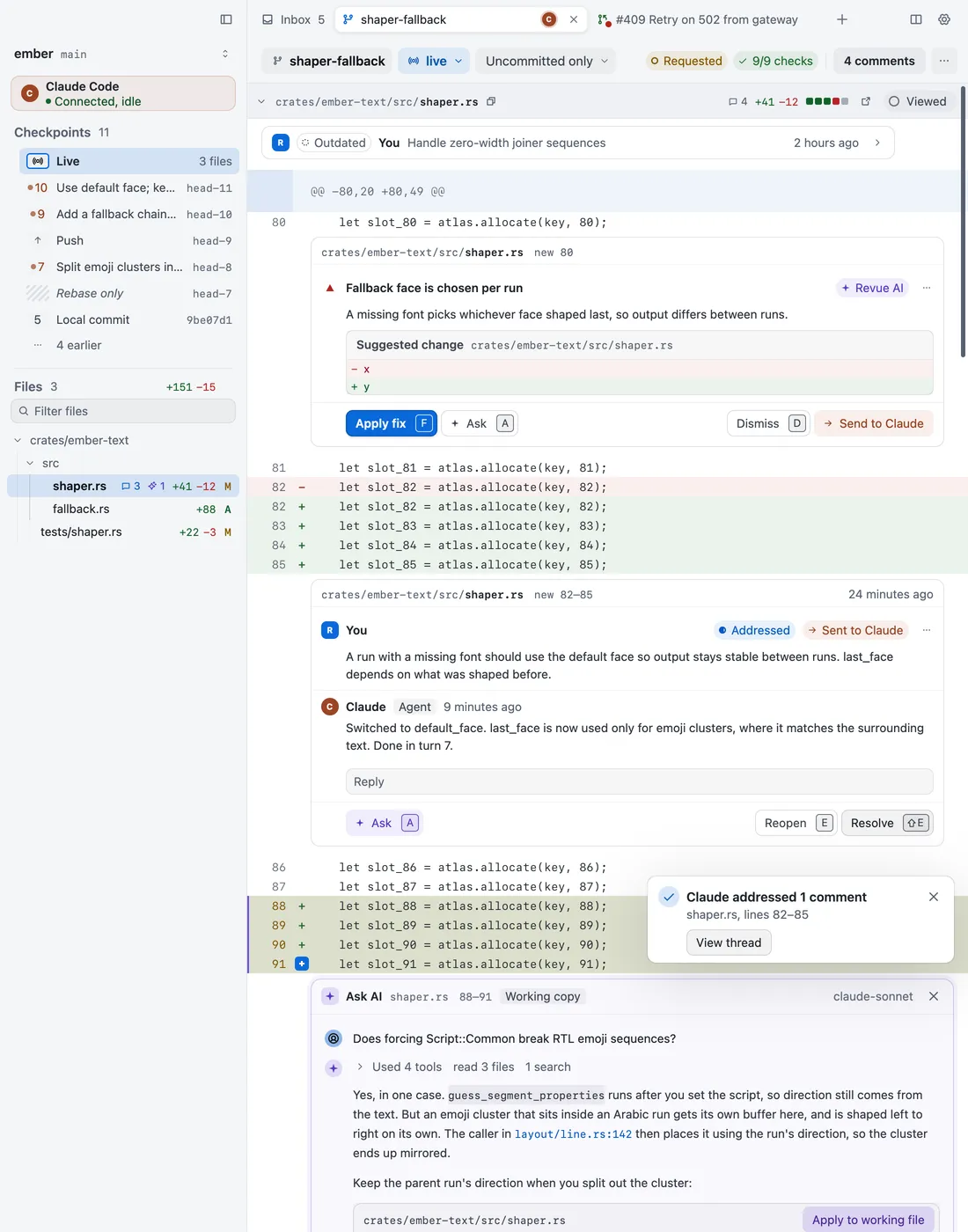
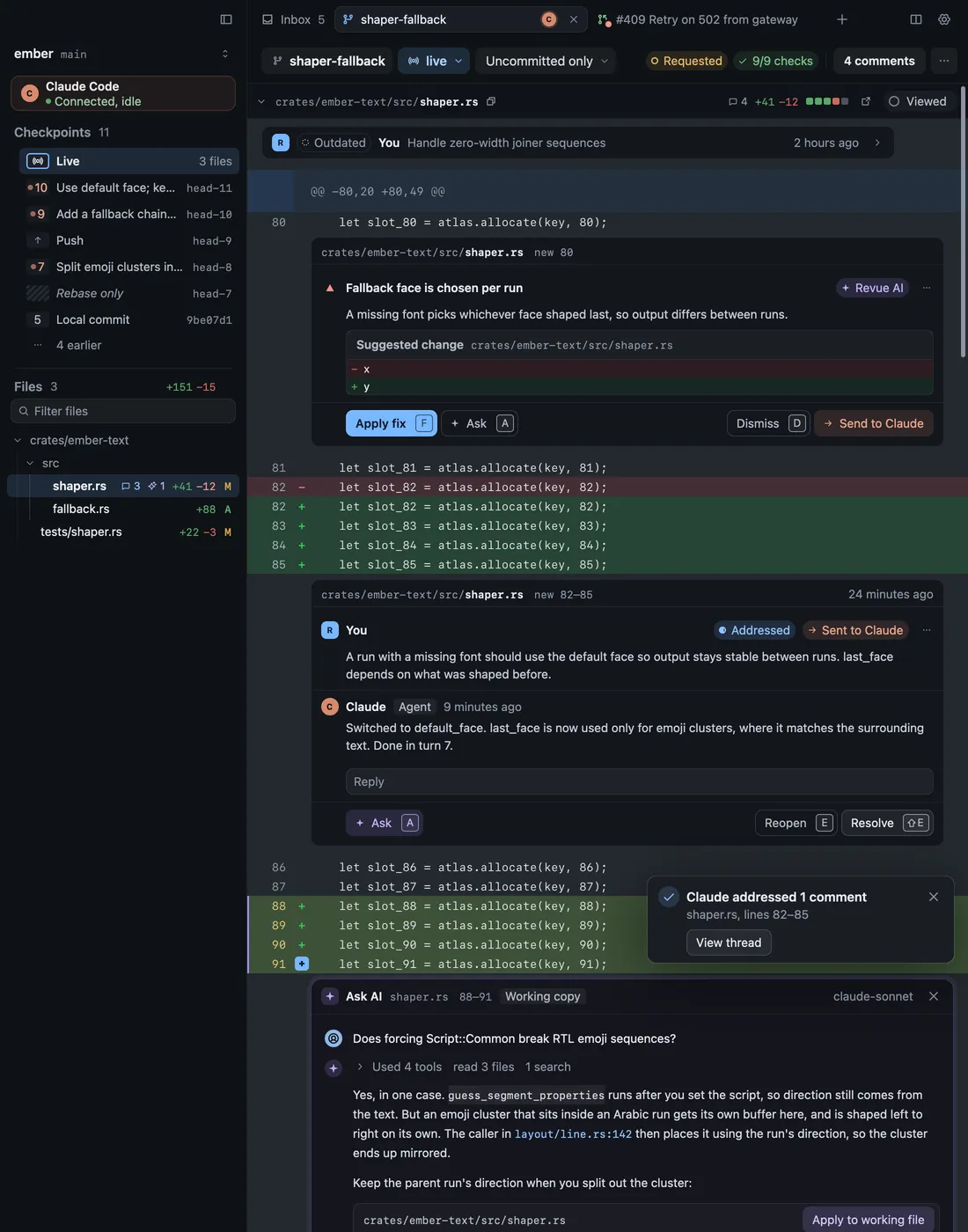
Resolving a local comment stays on your Mac. Resolving a GitHub thread resolves it on GitHub at once, as it would there, whether or not you’ve submitted your review. Review Claude Code’s work covers the agent side.
What submit does
Section titled “What submit does”When you submit, Revue sends your verdict (Comment, Approve or Request changes), your summary and every pending comment to GitHub together, as one review. Until then nothing in your pending review is posted. A verdict that isn’t open to you is greyed, with the reason beside it.
Discard in the review panel deletes your pending review and every comment in it. Revue asks “Discard your pending review?” before it does.
May have posted
Section titled “May have posted”Sometimes the connection drops while Revue is posting, and it can’t tell what GitHub saved. Rather than guess, the card says May have posted, with Reload threads. For a reply, it says “Your reply may have posted. Reload threads to check before sending it again.”
Choose Reload threads before you try again. If GitHub saved it, it shows in the thread. If it isn’t there, send it again.