Stacks and layers
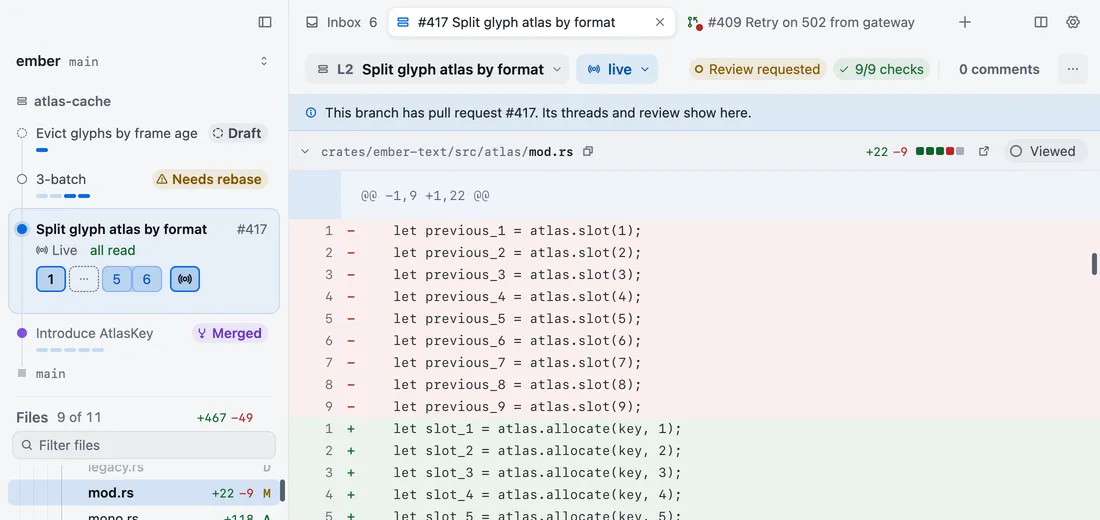
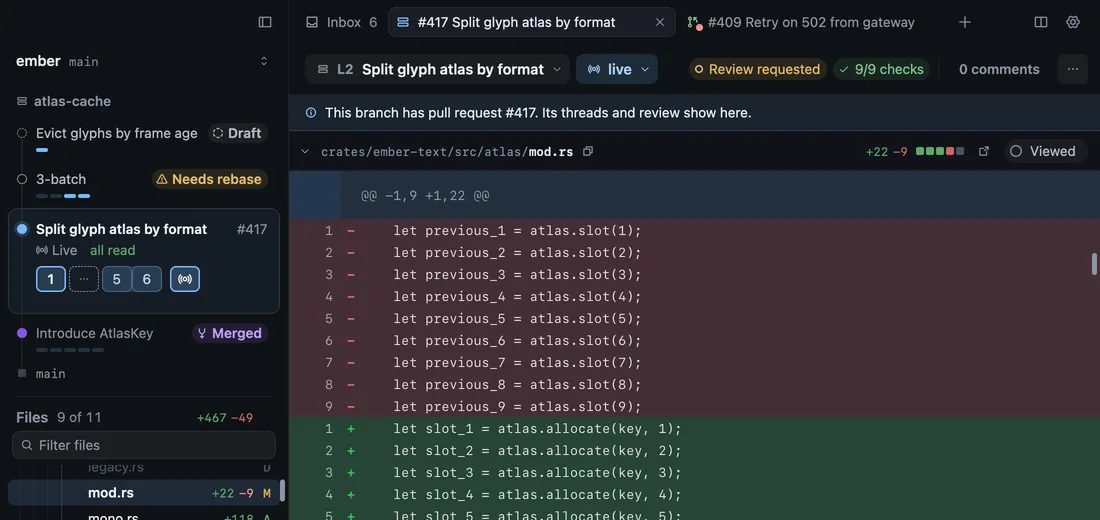
A stack is a chain of branches, each built on the one below. Revue shows it as layers, so you can review one small change at a time and see where each one stands.
Layer diffs
Section titled “Layer diffs”A layer is one branch in the stack. Its diff is compared with the layer below it, not with the trunk, so it shows only the work that layer adds. Only the bottom layer is compared with the trunk.
Layers are numbered from the bottom: L1 sits on the trunk, L2 on L1, and so on. The stack card lists them top first,
as gh stack and GitHub do, with the trunk at the bottom.
A branch with no stack is read as a single layer. Nothing about a plain branch needs a stack.
States
Section titled “States”Each layer’s row says where it stands. One state shows at a time, in this order:
| State | What it means |
|---|---|
| Merged | The layer’s pull request merged. Two or more merged layers at the bottom fold into one row that says they’re in the trunk. |
| Needs rebase | The layer below has commits this layer isn’t built on. The line under the context bar names the base to rebase onto. |
| GitHub only | The layer has a pull request, but its branch isn’t in this checkout. |
| Local only | The branch has no pull request yet. |
| PR unknown | Revue couldn’t ask GitHub about the pull request this time. It asks again on the next read. |
| Draft | The pull request is a draft. |
| Closed | The pull request was closed without merging. |
| Not pushed | The branch has commits GitHub doesn’t have yet. When Revue knows how many, the row says so, as in “3 not pushed”. |
| Open | The pull request is open and GitHub has the branch’s commits. |
A state reports, it doesn’t act. Revue shows Needs rebase and leaves the rebase to you and your stack tool. While a layer needs a rebase, its comments stay on the lines you wrote them on and move when you rebase.
Where stacks come from
Section titled “Where stacks come from”Revue never creates, restacks or reorders a stack. It reads two sources and puts them together:
- GitHub’s own stack decides which pull requests are in the stack, their order and their state.
- Your checkout decides what GitHub can’t know: layers with no pull request yet, commits you haven’t pushed, and which worktree holds each branch. Stacks made with the gh-stack extension for the GitHub CLI are read from its state file in the checkout.
When GitHub’s stack and gh-stack’s file disagree, the stack card says Out of sync with GitHub. Open the note to
see each difference and the command that brings the file in line, gh stack sync.
The trunk is the branch the stack is built on, usually main. Revue finds it by itself, or you can name it in
Settings › Sync and stacks › Default trunk branch.