Ask AI about code
When a change puzzles you, ask about it where you’re reading. Ask AI sends your question about the lines you selected to your own Claude Code or Codex, which reads the code around them and answers beside the diff.
Ask about a selection
Section titled “Ask about a selection”- Select the lines you want to ask about.
- Choose Ask AI in the selection bar, choose Review › Ask AI, or press ⌘I.
- Type your question, or pick one of the suggestions: Explain this change, What calls this?, What could go wrong? or Suggest a test.
- Choose Ask AI (⌘↩).
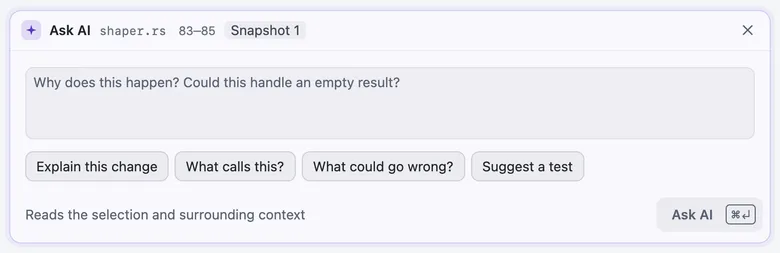
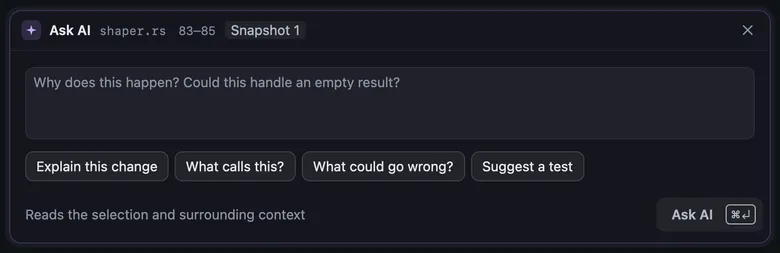
The panel’s header names the file, the lines and what you’re reading, such as Snapshot 1 or Working copy. The answer says which tools the AI used to read the code, which model answered, how long it took and the tokens it used.
Ask AI uses the provider in Settings › AI review and the model set for it:
| Setting | Where | Options | Default |
|---|---|---|---|
| Ask AI model | Settings › AI review | opus | |
| Ask AI model | Settings › AI review | None |
Follow up
Section titled “Follow up”Each selection keeps a conversation of its own. Type in Reply under the answer and choose Ask to follow up. The AI remembers the earlier questions about these lines, not the rest of the app. Closing the panel keeps the conversation and any question you’d started.
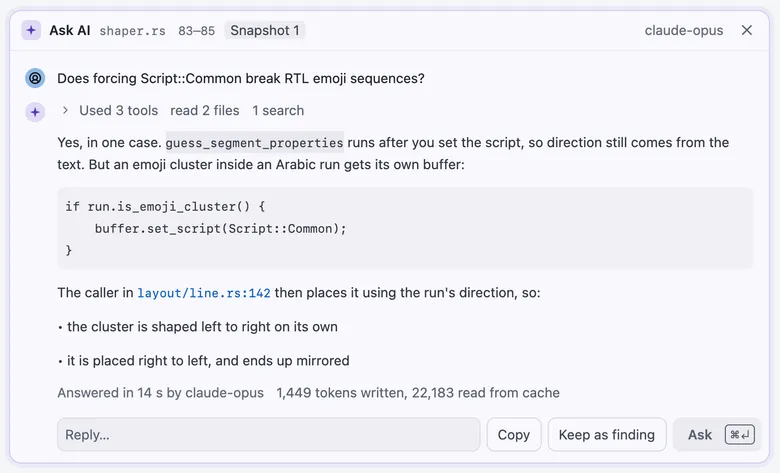
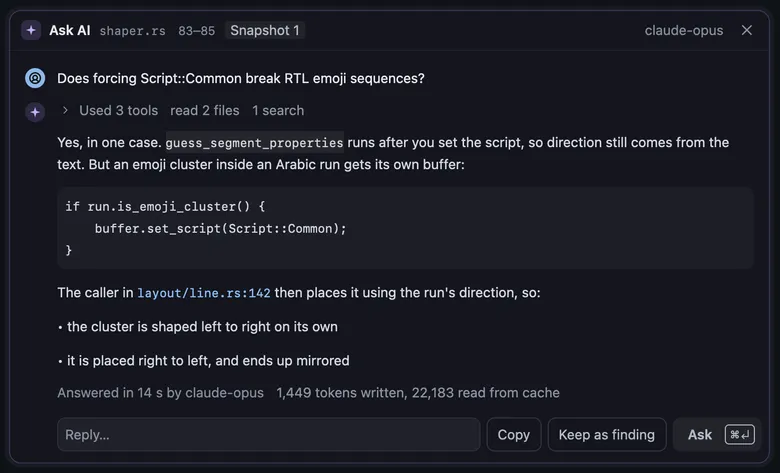
- Copy copies the answer.
- Keep as finding keeps the answer on these lines as a finding, so it stays with the review.
- Apply to working file appears when the answer suggests an edit and the branch is checked out on this Mac. It writes the edit to your file and commits nothing.
Ask on a comment card
Section titled “Ask on a comment card”Comment and finding cards have an Ask button (A). It asks about that comment or finding, with its lines as the selection.
On a local comment, the answer arrives in the thread itself. The latest comment is the question, and the earlier
comments and answers in the thread are the history. Such an answer never wakes a Claude Code or Codex session, and
revue comments lists it labelled AI.
| Action | Key |
|---|---|
| Ask AI | ⌘I |
| Ask about finding or comment | A |
To draft a pull request’s title and description with AI, see Commit and create a pull request.