Turn on live updates
Without live updates, Revue checks GitHub for changes to the pull requests you track on a timer. With live updates on, new checks, comments and notifications appear as they happen, the way they do on github.com.
What it does
Section titled “What it does”Live updates use the GitHub sign-in in your web browser, the same one github.com uses there, to hear about changes as GitHub sends them. Revue reads that sign-in from the browser profile you choose. It stays on this Mac. A CI log tab for a running job also shows the job’s lines as it writes them.
Live updates are off until you turn them on. Pull request sync keeps running whether they’re on or off, so if live updates stop, pull requests still update, only less often. See Privacy for what this reads and sends.
Choose a browser and profile
Section titled “Choose a browser and profile”- Open Settings › Live updates. Settings › Accounts has a Live updates row that opens it too.
- Under Browser, choose the browser you’re signed in to GitHub with. Revue reads Chrome, Brave and Firefox. Automatic reads your default browser.
- Turn on Live updates, and beside it choose the profile you use for GitHub. Automatic names the profile it reads.
- Choose Save.
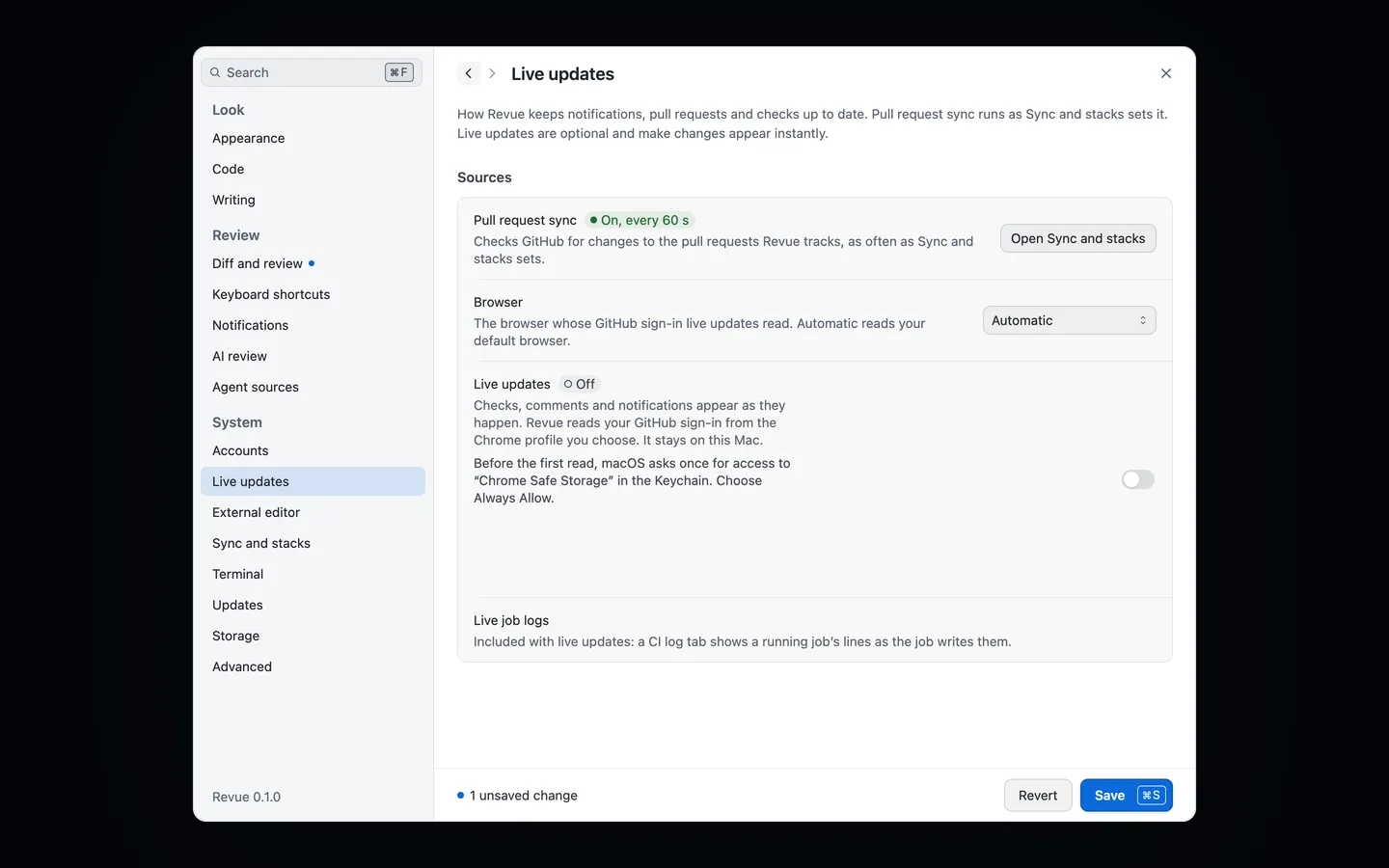
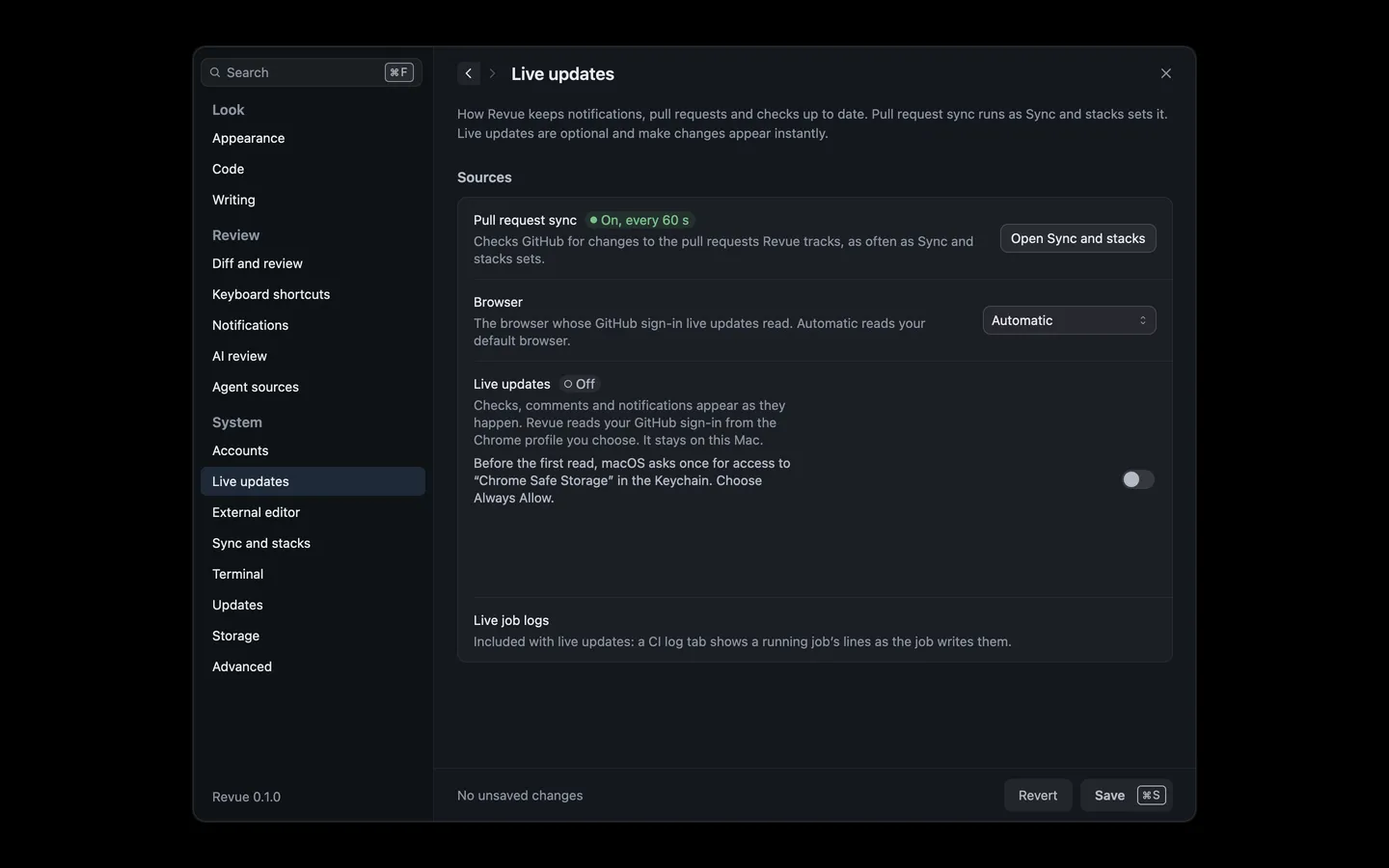
The row then says Connecting, and Live once it’s working, with the account it’s signed in as. If it’s the wrong account, choose the profile you use for GitHub instead.
Allow Keychain access
Section titled “Allow Keychain access”Chrome and Brave keep their saved sign-ins locked with a key in your Keychain. Before the first read, macOS asks once whether Revue may use “Chrome Safe Storage” or “Brave Safe Storage”. Choose Always Allow, so it doesn’t ask again each time Revue opens. Firefox doesn’t ask.
If you choose Deny, the row says Keychain access wasn’t allowed and Revue reads nothing. Choose Try again, then Always Allow.
If it stops
Section titled “If it stops”The row in Settings › Live updates always says how live updates stand and what to do:
| It says | What to do |
|---|---|
| Needs sign-in | The profile isn’t signed in to GitHub, or GitHub signed it out. Sign in to github.com in that profile, or choose another one. Revue retries on its own. |
| Paused | Revue is offline, or Keychain access wasn’t allowed. It picks up again when the connection comes back, or after Try again. |
| Off | Live updates are off, or the browser has no profiles Revue can read. |
Show details under the row has what the browser or GitHub said. For the exact messages, see Common problems and NET-002.