Triage your Inbox
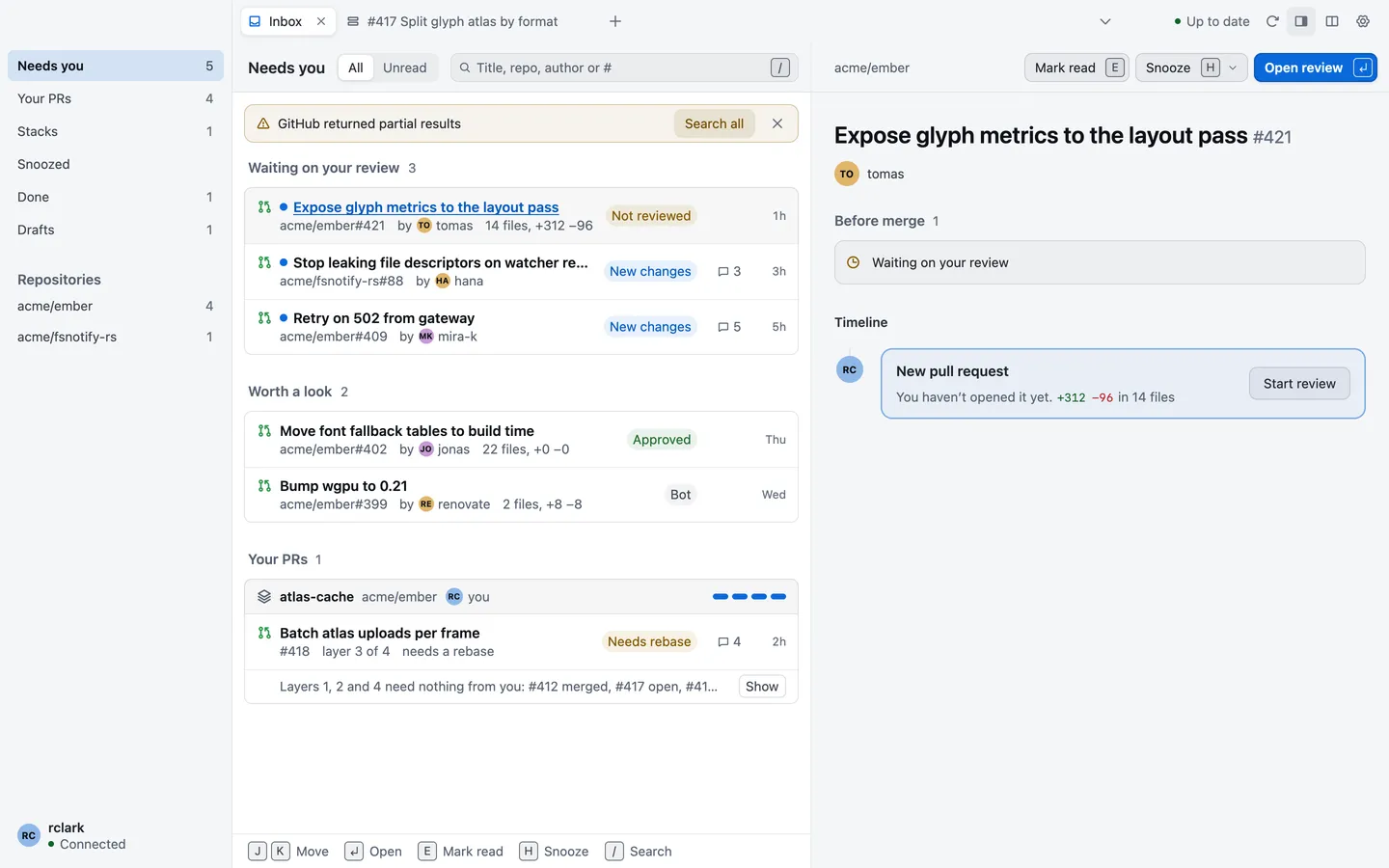
The Inbox lists review requests, your own pull requests and the stacks you work in, grouped by what each one asks of you. Use it to decide what to read next. A new tab opens on the Inbox, and Go › Inbox reaches each of its views.
The seven views
Section titled “The seven views”The Inbox’s sidebar lists its views. Press ⌥1 to ⌥7 to switch between them.
| View | What it lists |
|---|---|
| Needs you | Pull requests waiting on your review, others worth a look (mentions, bots and requests made of a team you’re in), and your own pull requests that need a fix. |
| Your PRs | Your open pull requests: those that need your fix, those waiting on reviewers, and those ready to merge. |
| Stacks | Open pull requests in stacks, yours first. |
| Snoozed | Pull requests you’ve snoozed. |
| Done | Pull requests that were merged or closed. |
| Worktrees | The checkouts on this Mac that your repositories have registered. |
| Drafts | Your own draft pull requests. |
Worktrees and Drafts show in the sidebar only while they have something in them.
Mark read and snooze
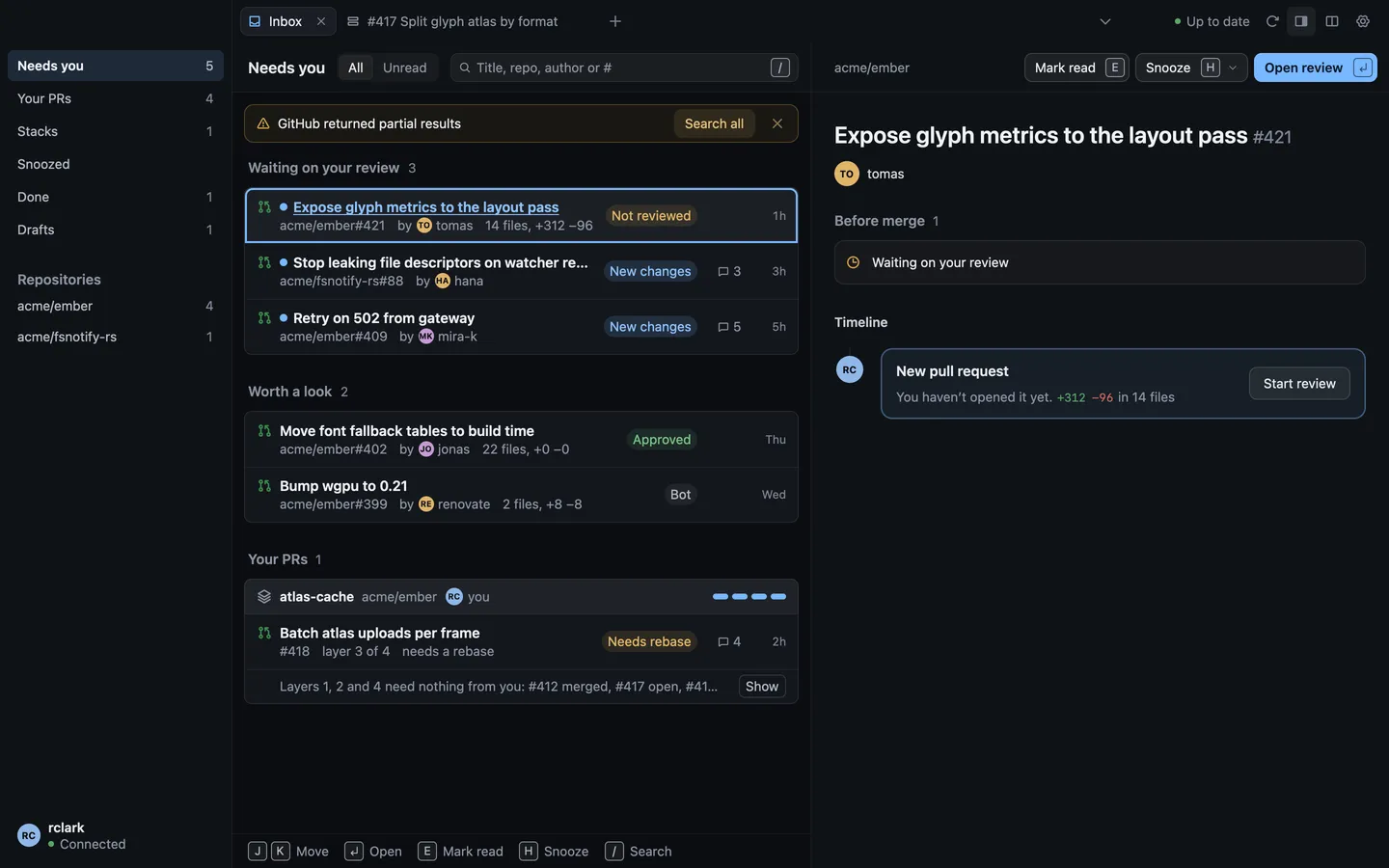
Section titled “Mark read and snooze”A dot marks a pull request with something you haven’t seen, such as a new snapshot or new comments.
- Mark read (E) clears the dot until something new happens. Mark unread puts it back.
- Snooze (H) hides a pull request until later: In 1 hour, This evening, Tomorrow, Next week or Until a new snapshot. Tomorrow and Next week end at 9:00. This evening isn’t offered after 17:00. A snoozed pull request comes back to its view when its snooze ends, and waits in Snoozed until then.
- Undo (⌘Z) takes back your last mark or snooze.
Mark read and Snooze are kept on this Mac. They change nothing on GitHub, and they aren’t GitHub’s notifications.
Filters
Section titled “Filters”- All and Unread at the top of the list narrow the view to what you haven’t read.
- Repositories in the sidebar narrows the list to one repository.
- Search finds a pull request by its title, repository, author or number. Press / to start typing.
When nothing matches, the list says “No pull requests match these filters.” Choose Clear filters to see them all again.
The preview pane
Section titled “The preview pane”The preview pane shows the selected pull request beside the list: what stands in the way of merging it and its recent activity, with Mark read, Snooze and Open review. Turn it on or off with View › Show Inbox Preview (⌥⌘\). In a narrow window, the pane says “Widen the window to show the preview”.
Move through the list with J and K or the arrow keys. Press ↩ to open the selected pull request in a tab.
How often it updates
Section titled “How often it updates”The Inbox’s header says when it last heard from GitHub, such as “Updated 5m ago”. While the Inbox is open, it asks GitHub about once a minute. Choose Refresh or press ⌘R to ask at once.
With live updates on, changes arrive as they happen instead. Until you turn them on, the sidebar says “Live updates off”. See Turn on live updates.
| Action | Key |
|---|---|
| Mark read | E |
| Snooze | H |
| Needs you | ⌥1 |
| Your PRs | ⌥2 |
| Stacks | ⌥3 |
| Snoozed | ⌥4 |
| Done | ⌥5 |
| Worktrees | ⌥6 |
| Drafts | ⌥7 |
| Show Inbox preview | ⌥⌘\ |
| Refresh | ⌘R |
The Inbox also takes J, K, the arrow keys, ↩, ⌘Z and /. Every key is listed in Keyboard shortcuts.