Run an AI review
AI review reads a snapshot and points out problems before you or your reviewers spend time on them. It runs on your Mac with the Claude Code or Codex you already use. Use it on a pull request you’re reviewing, or on your own branch before you push.
What it needs
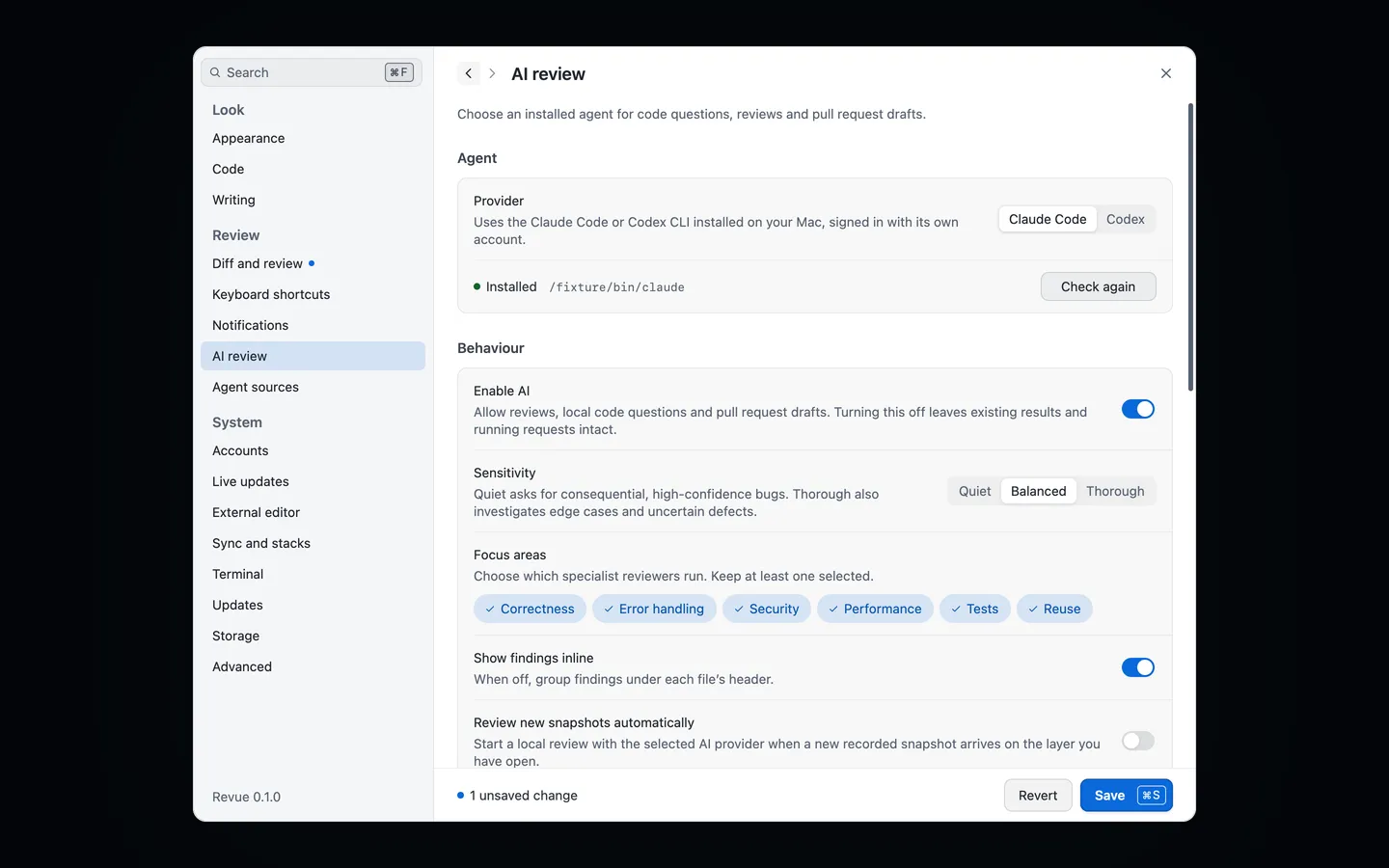
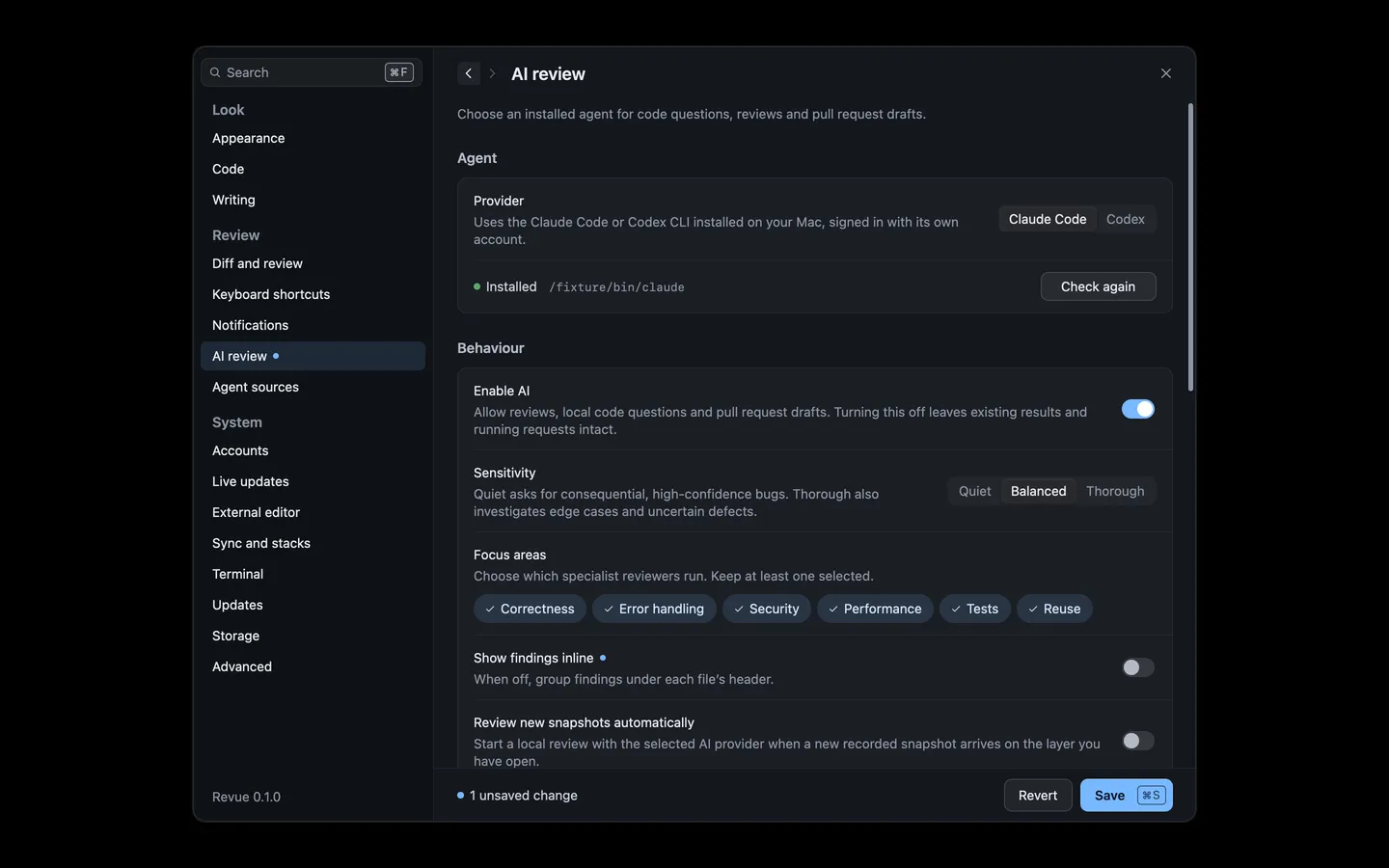
Section titled “What it needs”- Claude Code or Codex, installed on this Mac and signed in. Revue uses that tool’s own account, so there’s no Revue account to set up.
- The provider chosen in Settings › AI review. Claude Code is the default. If the tool isn’t on your
PATH, set Claude executable or Codex executable there. - Enable AI left on in the same section.
AI review doesn’t need the Claude Code plugin. Only sending comments to a session needs it.
Run it
Section titled “Run it”Open the pull request or branch, choose the snapshot you want reviewed, then choose Review › Run AI Review, or AI review in the context bar’s actions menu. While it runs, the same item reads Stop AI review. When it’s done it shows how many findings there are, and if it failed it offers Retry AI review.
A review reads the snapshot you have open. On a range, it reviews what changed between the two snapshots.
Read findings
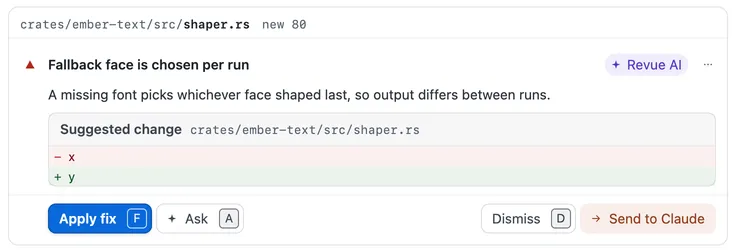
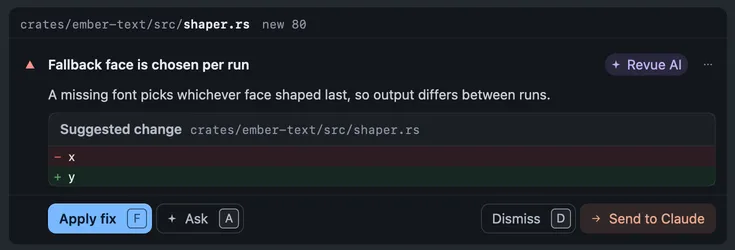
Section titled “Read findings”Each finding is a card under the lines it’s about, marked Revue AI, with a severity, what’s wrong and, often, a suggested change.
| Action | Key |
|---|---|
| Next finding | F8 |
| Previous finding | ⇧F8 |
To list findings under each file’s header instead of between the lines, turn off Show findings inline in Settings › AI review.
Apply, ask or dismiss
Section titled “Apply, ask or dismiss”| Action | Key | What it does |
|---|---|---|
| Apply fix | F | On a branch checked out on this Mac, writes the suggested change into your working file. It commits nothing, and Undo puts the file back. |
| Suggest on GitHub | On a pull request, adds the suggested change to your pending review as a suggestion. | |
| Ask | A | Opens Ask AI on the finding, to ask why or how. |
| Dismiss | D | Hides the finding. It folds in place with Undo for a moment first. Dismissing an AI review finding stays on this Mac. |
| Send to Claude | On a local branch with a Claude Code or Codex session, hands the finding to the agent. |
Review › Add Finding as Comment turns a finding into a comment of your own, and Review › Show Dismissed Findings brings dismissed ones back into view.
Sensitivity and focus areas
Section titled “Sensitivity and focus areas”Sensitivity sets how much a review reports. Quiet asks for consequential, high-confidence bugs only. Thorough also looks at edge cases and less certain defects. Balanced sits between them.
Focus areas choose which specialist reviewers run, one for each area. Turn off the ones you don’t want, such as Tests on a branch that has none. Keep at least one on.
| Setting | Where | Options | Default |
|---|---|---|---|
| Sensitivity | Settings › AI review | Quiet, Balanced, Thorough | Balanced |
| Focus areas | Settings › AI review | Correctness, Error handling, Security, Performance, Tests, Reuse | Correctness, Error handling, Security, Performance, Tests, Reuse |
How AI review works explains what each specialist and stage does.
Review new snapshots automatically
Section titled “Review new snapshots automatically”With this on, Revue starts a review on its own each time a new recorded snapshot arrives on the layer you have open. It’s off by default, because each review uses your provider’s account.
| Setting | Where | Options | Default |
|---|---|---|---|
| Review new snapshots automatically | Settings › AI review | On or off | Off |
What it costs you
Section titled “What it costs you”A review runs many short turns of your own Claude Code or Codex, and any usage or charges are on that tool’s account. Revue never pays for or meters it. These settings bound a review:
| Setting | Where | Options | Default |
|---|---|---|---|
| Per-turn timeout | Settings › AI review | 15 s to 1800 s, in steps of 15 | 180 s |
| Concurrent review turns | Settings › AI review | 1 to 16, in steps of 1 | 8 |
| Finding model | Settings › AI review | sonnet | |
| Verification model | Settings › AI review | opus | |
| Synthesis model | Settings › AI review | opus | |
| Codex model | Settings › AI review | None |
A turn that runs past the timeout fails with AI-002, and an account with no credit left fails with AI-003.