Sign in to GitHub
Revue reads your pull requests and review requests from GitHub, and posts the reviews you submit. It can use the GitHub CLI’s sign-in, or sign in on its own with a code. You can still open a folder and review local work without GitHub.
Use your GitHub CLI sign-in
Section titled “Use your GitHub CLI sign-in”If the GitHub CLI (gh) is installed and signed in, Revue uses its sign-in straight away. Setup’s GitHub row says
Connected as and your login, and there’s nothing else to do.
If gh is installed but not signed in, the row says “The GitHub CLI has no sign-in to share. Run gh auth login.”
- Choose Copy command and paste
gh auth logininto Terminal. - Follow the GitHub CLI’s prompts.
- Back in Revue, choose Check again.
Sign in with a code
Section titled “Sign in with a code”Without the GitHub CLI, sign in with a code from GitHub instead. You don’t need to install anything.
- In Setup’s GitHub row, choose Sign in with a code. In Settings, it’s Connect GitHub under Settings › Accounts.
- Revue shows a code and waits. Choose Copy and open GitHub. Revue copies the code and opens GitHub’s sign-in page in your browser.
- Paste the code there and allow access. GitHub asks you to allow access to your repositories.
- Back in Revue, the row says Connected as and your login.
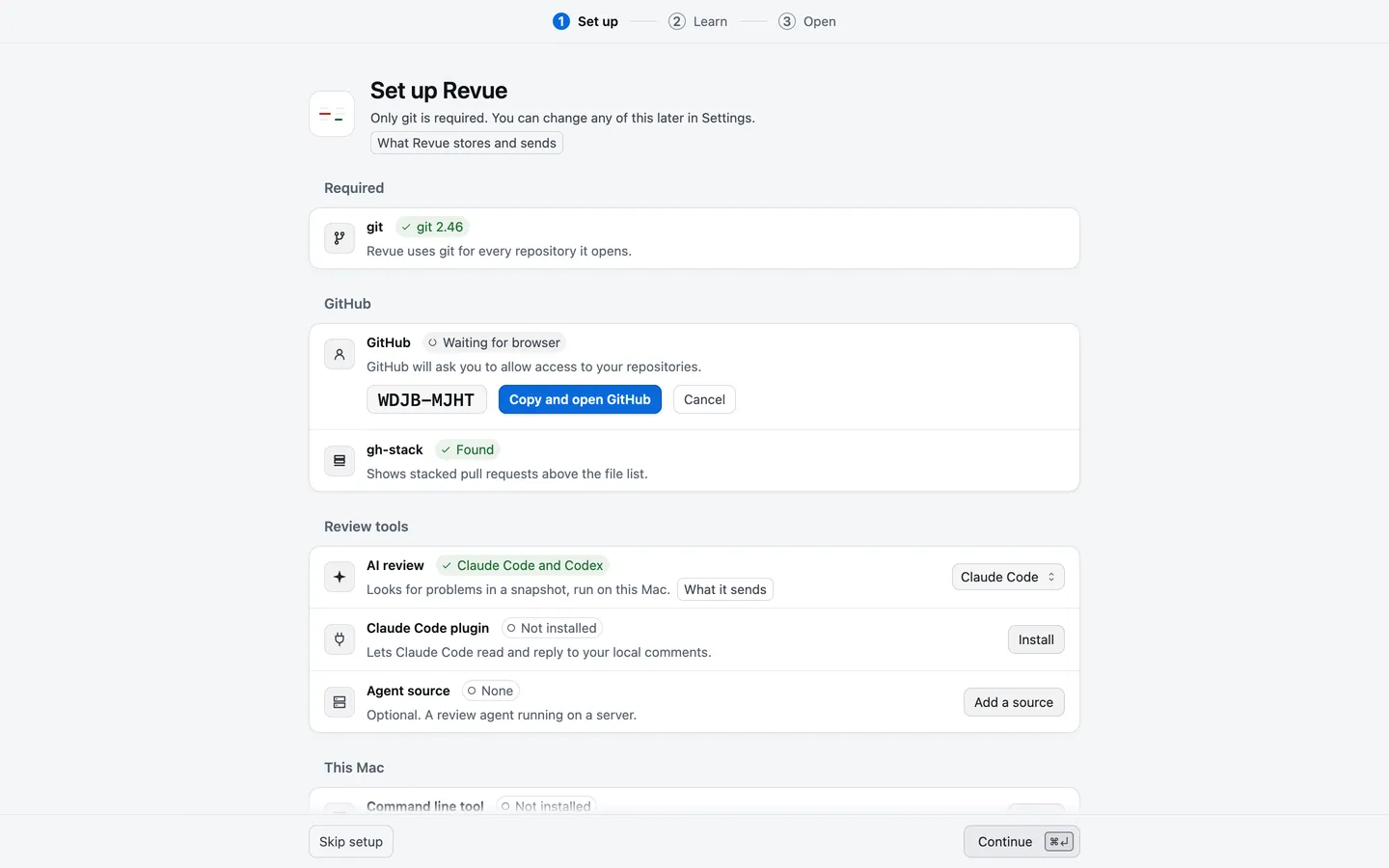
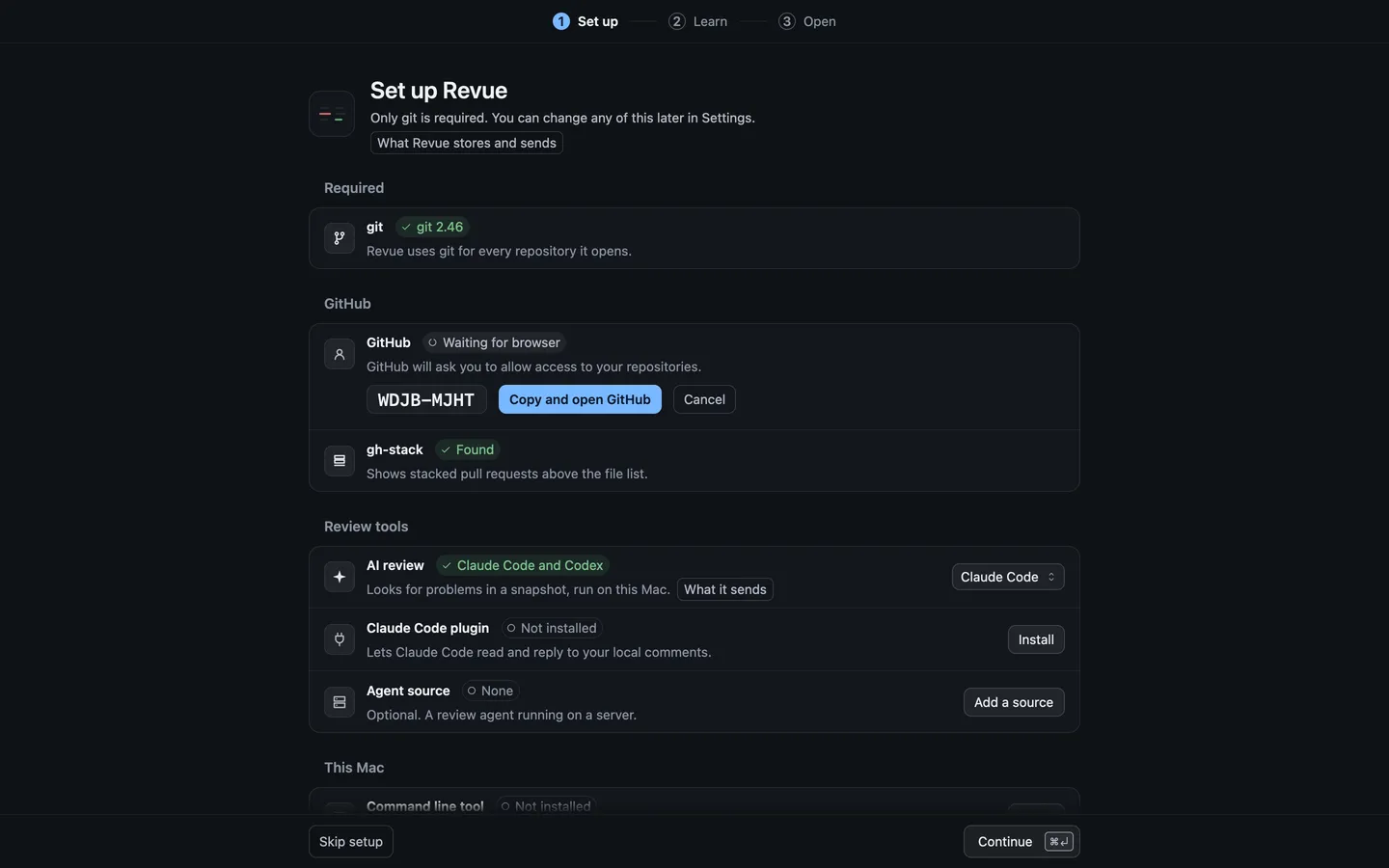
To stop part way, choose Cancel. If you’d rather use the GitHub CLI after all, Settings offers Use GitHub CLI sign-in while it waits.
Where Revue keeps the token
Section titled “Where Revue keeps the token”- GitHub CLI sign-in: Revue asks
ghfor a token when it needs one. Nothing is copied into Revue. - Sign in with a code: Revue keeps the token in a file named
tokenin its data folder,~/.revue.
When both exist, Revue uses the token it keeps. Files and folders lists everything Revue keeps on your Mac.
Sign out or switch
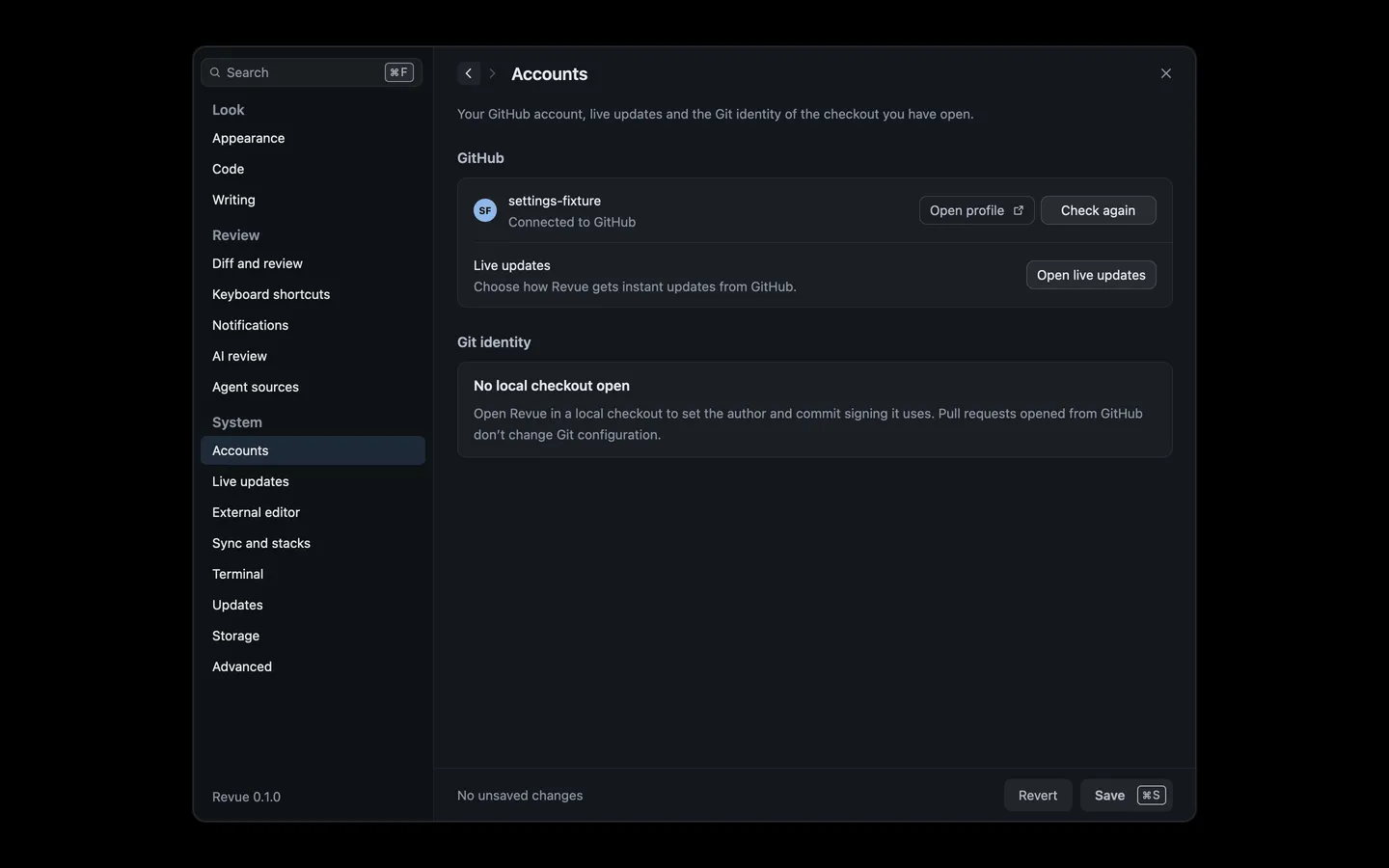
Section titled “Sign out or switch”Settings › Accounts shows the account Revue uses, with Open profile and Check again. There’s no Sign out button.
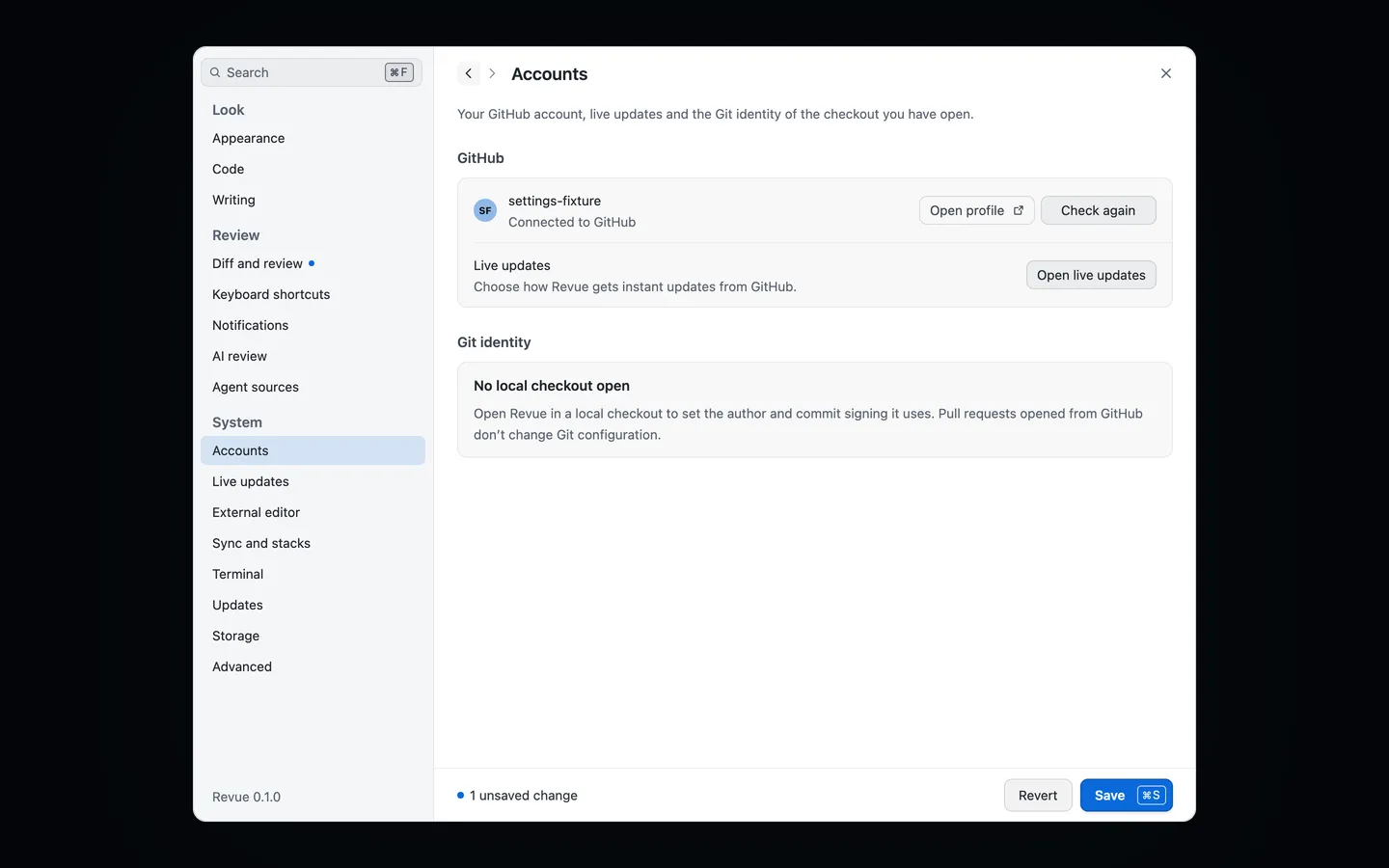
To use a different account:
- If you signed in with the GitHub CLI, switch accounts in the GitHub CLI (for example with
gh auth login), then quit Revue and open it again. - If you signed in with a code, quit Revue, delete
~/.revue/tokenand open Revue again. Revue then uses the GitHub CLI’s sign-in if there is one. Otherwise sign in with a code again, as the account you want.
Deleting ~/.revue/token with no GitHub CLI sign-in signs Revue out.
If sign-in fails
Section titled “If sign-in fails”| What Revue says | What to do |
|---|---|
| “This code expired. Generate a new one to continue.” | Choose Try again for a new code. |
| “Authorization was declined on GitHub. Try again whenever you are ready.” | Choose Try again, and allow access on GitHub this time. |
| “Install the GitHub CLI and run gh auth login, then check again.” | Install gh and sign in, or choose Sign in with a code. |
| “GitHub’s rate limit was reached. Check again in a few minutes.” | Wait. When Revue knows when the limit lifts, it says so and checks again then. |
| “Couldn’t check your GitHub connection. Local review still works.” | Check your connection, then choose Retry. |
When an error has a code, the code’s entry says more: GH-002 for a sign-in GitHub refused, GH-006 for the GitHub CLI, and NET-001 when Revue can’t reach GitHub.