How Revue works
Revue is a Mac app for reading pull requests, stacks and your own local work. A few ideas explain most of how it behaves. Setup’s second screen, “Three things to know first”, covers the first three, and Help › How Revue Works in the app has an entry for every name Revue uses.
Tabs read one thing
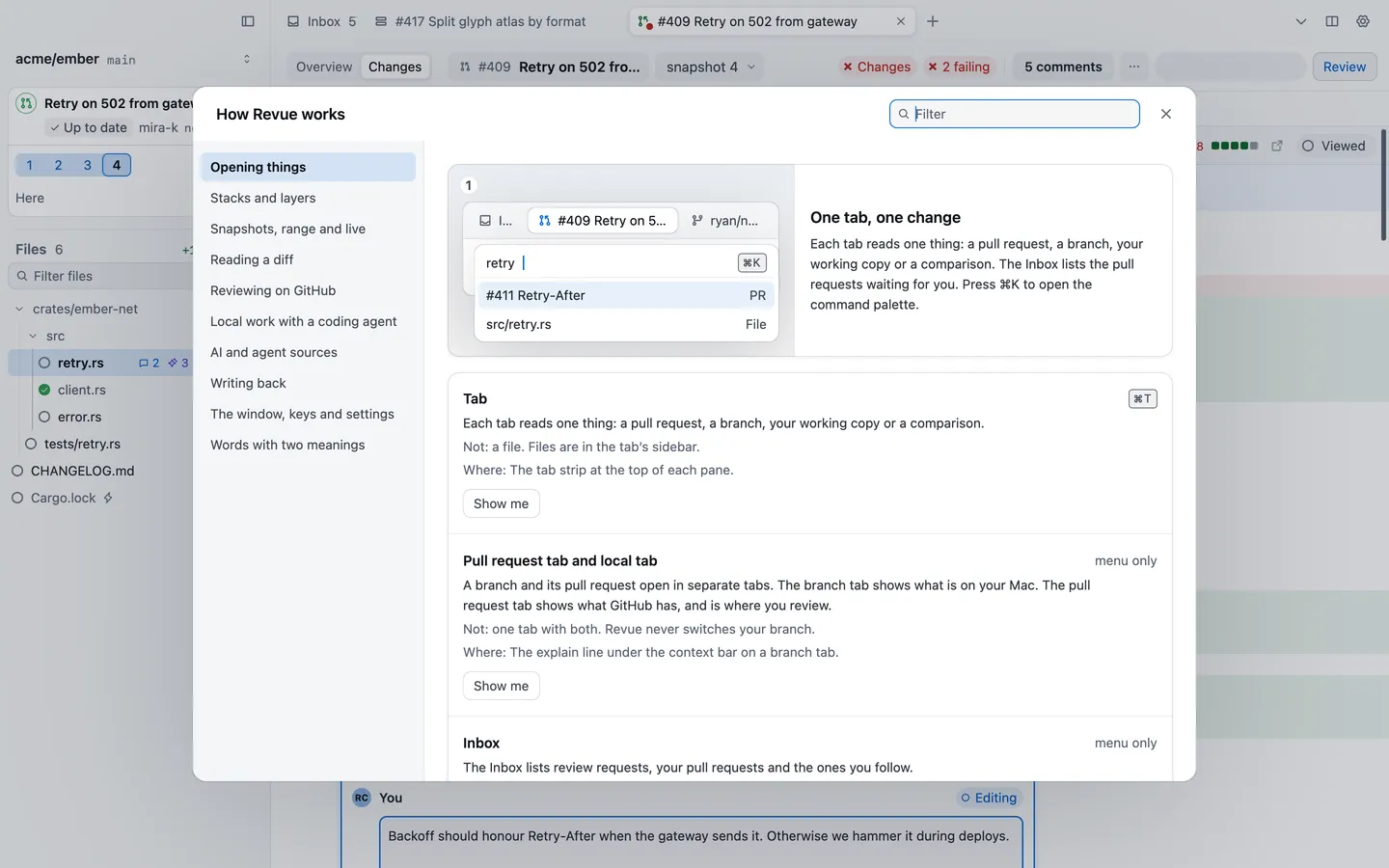
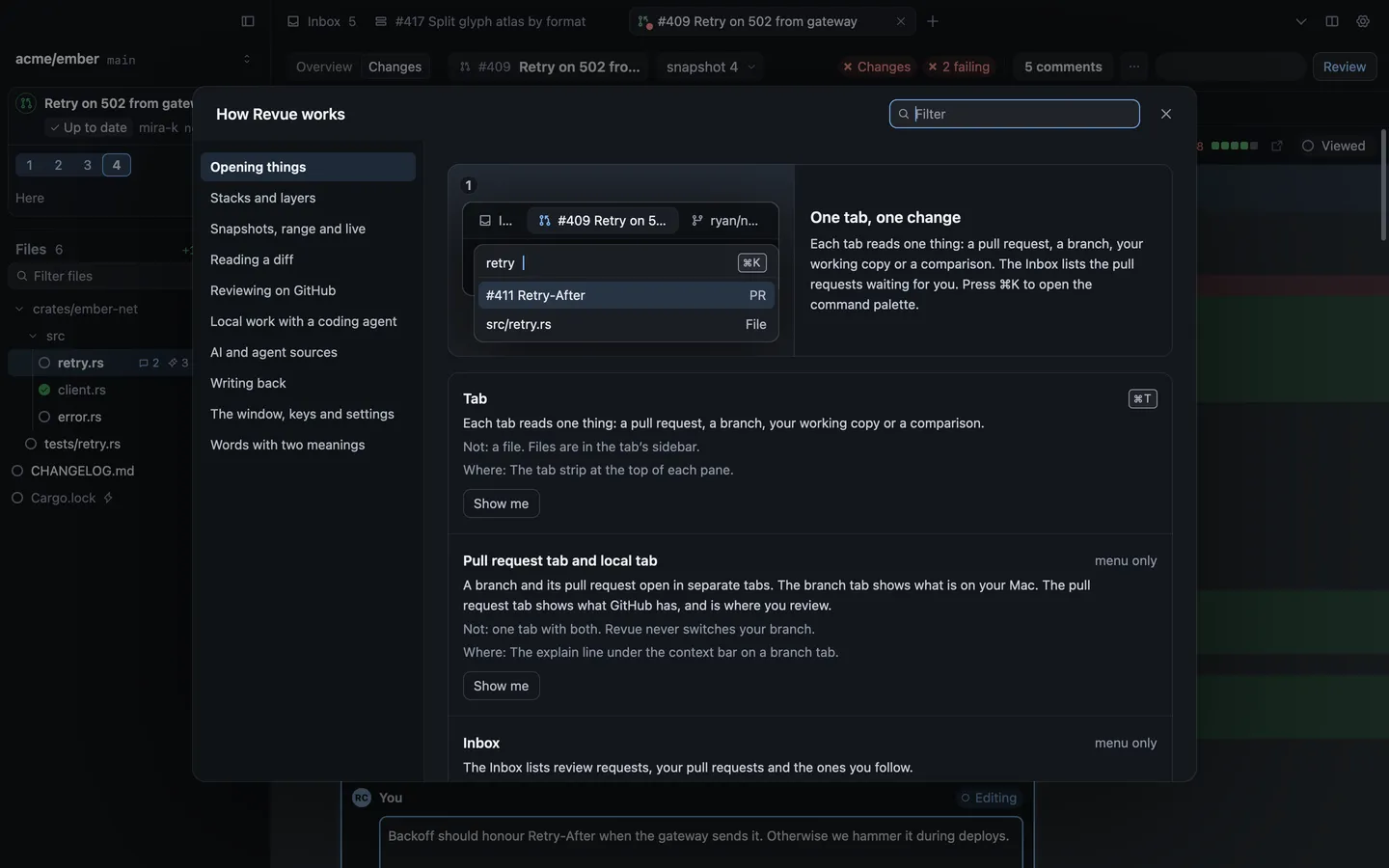
Section titled “Tabs read one thing”Each tab reads one thing: a pull request, a branch, your working copy or a comparison. Files aren’t tabs. They’re in the tab’s sidebar.
A branch and its pull request open in separate tabs. The branch tab shows what’s on your Mac. The pull request tab shows what GitHub has, and is where you review it. Revue never switches your branch. To read two things side by side, split the tab’s pane. Open pull requests, branches and folders has the details.
Revue keeps a copy of each push
Section titled “Revue keeps a copy of each push”Each push to a pull request is a snapshot. Revue keeps every one, so you can go back to any of them, or compare two. Snapshot 2 shows the full pull request as of its second push. To see only what changed since snapshot 1, compare the two with Range.
Revue also remembers the last snapshot you looked at. When someone pushes again, it offers the changes since then. On a branch on your Mac, the same snapshots are called checkpoints, and Live shows your files before you commit. See Snapshots and ranges.
Your comments wait
Section titled “Your comments wait”A comment you write on a pull request goes to your pending review. Only you can see it until you choose Submit review, which sends your verdict and every pending comment to GitHub as one review.
Comments on your own local branches never go to GitHub at all. They stay on your Mac, marked Not sent, and you can hand them to Claude Code or Codex. See Pending reviews and local comments.
Revue runs your tools, on your Mac
Section titled “Revue runs your tools, on your Mac”Revue works through the tools already on your Mac, signed in as you:
- git reads every repository it opens. Revue keeps partial copies of the repositories you open, in
~/.revue. - GitHub, through the GitHub CLI’s sign-in or one Revue makes with a code. Revue asks GitHub for your Inbox and the pull requests you open, and posts the reviews you submit.
- Claude Code or Codex for AI review, Ask AI and drafting a pull request description. Revue has no AI account of its own. It runs only when you start it, unless you turn on automatic review, and uses your own sign-in to that tool.
What Revue stores and sends lists everything, and Files and folders says where.
Git or jj
Section titled “Git or jj”Revue works with git checkouts and with jj. Backend in Settings › Sync and stacks chooses: “Auto uses jj when it is installed and falls back to Git. Takes effect when Revue restarts.” Choose Git or jj to use one of them whatever is installed.