Connect an agent source
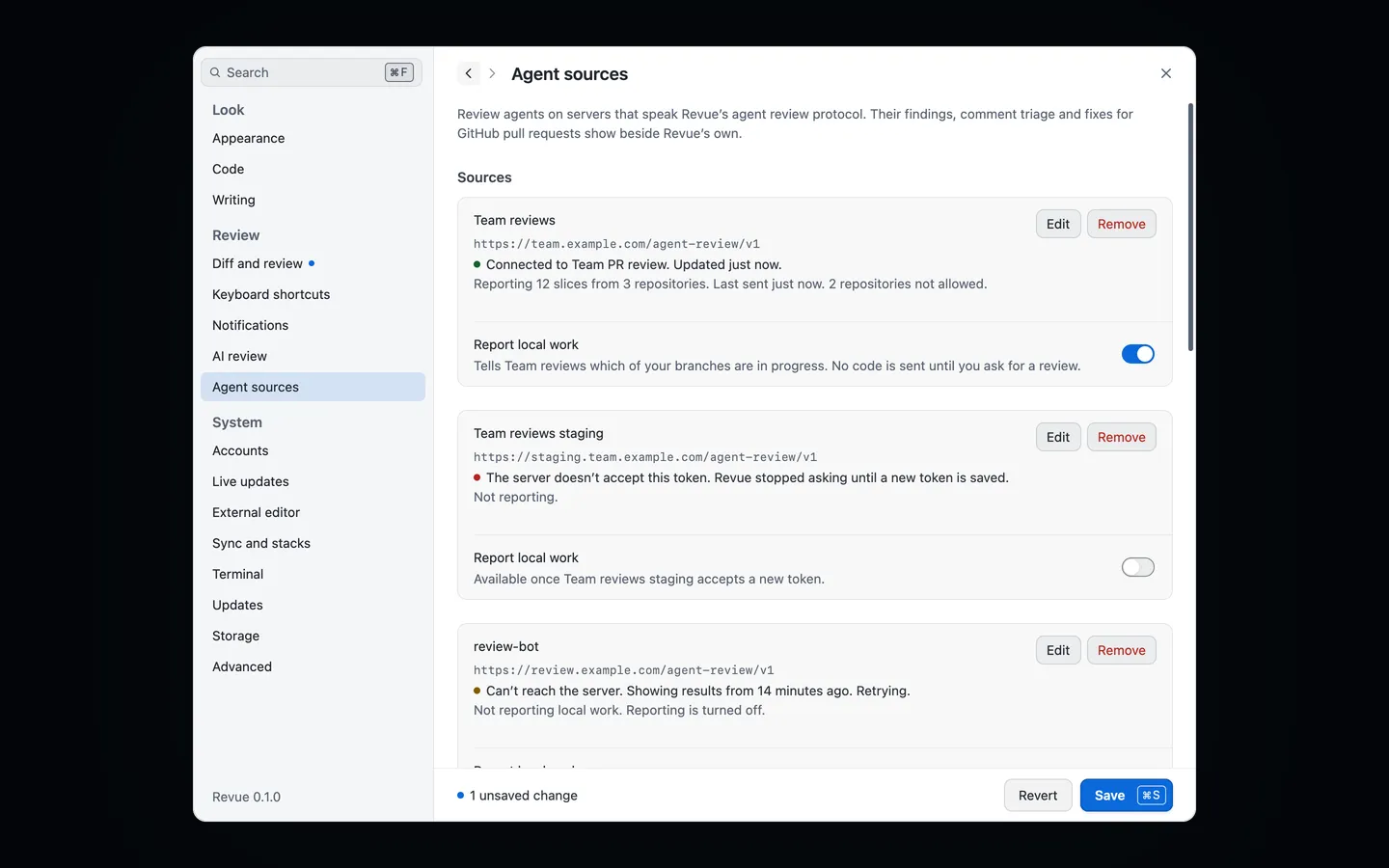
An agent source is a review agent running on a server. Connect one and Revue shows its findings, its opinion of reviewers’ comments and its fixes on the pull requests it reviewed, beside your own review and Revue’s AI review.
What an agent source is
Section titled “What an agent source is”A source is any server that speaks Revue’s agent review protocol. It isn’t AI review, which runs on this Mac with your own Claude Code or Codex. A source runs elsewhere, and you need two things from whoever runs it:
- its address, which usually ends in
/agent-review/v1 - a review token made on that server. Its documentation says how to make one.
Revue asks a source for results every 30 seconds while Revue is in front, every 5 minutes otherwise, and at once when you open a pull request.
Add a source
Section titled “Add a source”- Open Settings › Agent sources and choose Add source.
- Fill in Source name, which is shown on every result from it, and Base URL, its agent review address.
- Copy the token, then choose Paste token. It goes from the clipboard to the Keychain and is never shown.
- For a server with a self-signed certificate, add a Certificate pin. Read from server fills it in, and Revue shows a command to run on the server’s host to check it prints the same pin before you save. With a pin, Revue trusts that key and nothing else.
- Choose Check and add. Revue checks that the server speaks the agent review protocol before saving.
Sources take effect at once. They don’t wait for Save at the bottom of Settings, because the check and the Keychain can’t be part of a draft.
Read its findings
Section titled “Read its findings”A source’s findings appear as cards in the diff and in the comments list, each marked with the source’s name.
- Confirmed means the agent reproduced the problem. Findings it couldn’t confirm are hidden until you choose Review › Show Unconfirmed Agent Findings.
- Apply fix puts the agent’s patch in your working tree, in the checkout you choose. Revue never stages, commits or pushes a fix.
- Dismiss hides the finding and tells the source, unlike dismissing an AI review finding, which stays on this Mac.
- Triage is the agent’s opinion of a reviewer’s comment on your pull request: Valid, Already addressed, Incorrect, Question or Unclear. It sits under the first comment of the thread.
- The run line at the top of the comments list says what the source’s last run did: what it read, what it ran and how many of its findings a review thread already raised.
The Review menu also has Run Agent Again, Cancel Agent Run and Refresh Agent Results, and Go › Next Agent Result steps through what the sources found.
Report local work
Section titled “Report local work”A source can also review work that isn’t a pull request yet, if you let it know about it. Reporting is off until you turn it on, one source at a time:
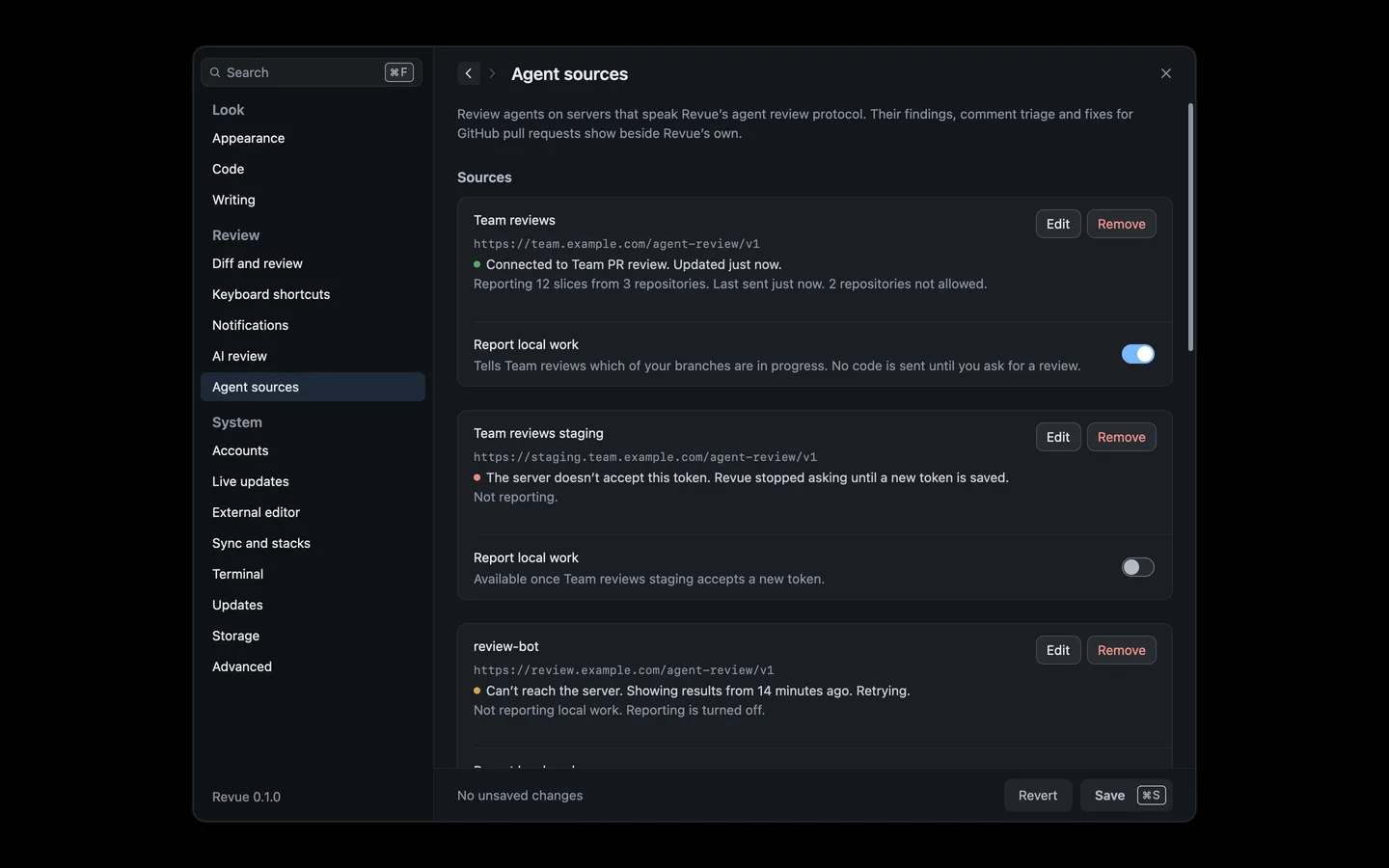
- Turn on Report local work under the source in Settings › Agent sources.
- Revue lists the owners of the repositories you’ve opened. Repositories of the owners you leave on are reported without asking, and Revue asks about every other repository the first time it has work to report.
- Choose Turn on reporting.
While it’s on, Revue sends the source the name of this Mac and, for each repository you allow, the names, commit subjects and sizes of your unmerged branches. No code is sent until you ask for a review, with Review › Review This Slice or Review › Review This Slice From Scratch.
Remove a source
Section titled “Remove a source”Choose Remove under the source, then confirm. Its token is deleted from the Keychain and its results leave Revue. The agent keeps them on its server.