Review Claude Code’s work
Review what Claude Code does in your checkout the way you’d review a colleague’s pull request: turn by turn, with comments it reads and answers. This page covers a session from start to finish.
Before you start
Section titled “Before you start”You need:
- The Revue plugin for Claude Code. It’s what lets a session read your comments, reply and record its turns. Claude Code plugin shows how to install it.
- A checkout Revue knows. The plugin acts only in a checkout you’ve opened in Revue, or one whose remote is under an owner you allowed in Settings › Agent sources. Everywhere else its hooks do nothing.
Start a session
Section titled “Start a session”Start Claude Code either way:
- In Revue. Choose Review › Start Claude Code. It opens a terminal tab in the bottom pane, in the checkout of the layer you’re on, and runs the command set in Settings › Terminal › Claude Code command. Claude Code started any other way in a Revue terminal connects too.
- In your own terminal. Start
claudein the checkout as you normally would.
The session appears in the sidebar with its state, and the tab shows Claude’s mark. If more than one session works in the checkout, the sidebar’s session menu chooses which one gets your comments.
Read each turn
Section titled “Read each turn”Claude’s turns appear as checkpoints in the sidebar, labelled with Claude’s last message, newest first under Live, which is the files as they are now.
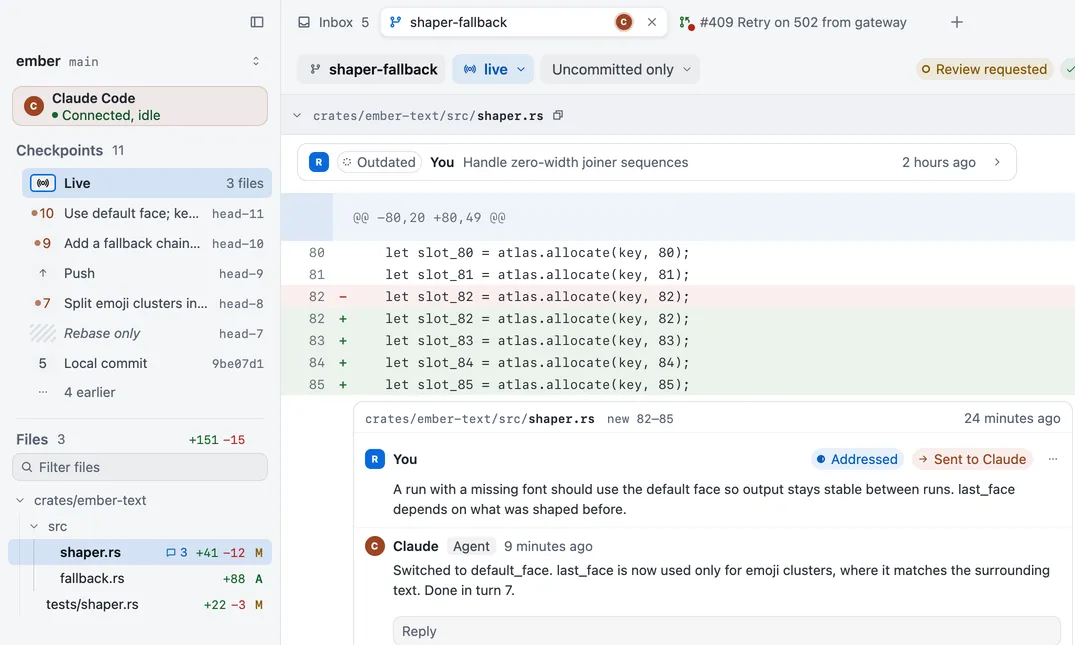
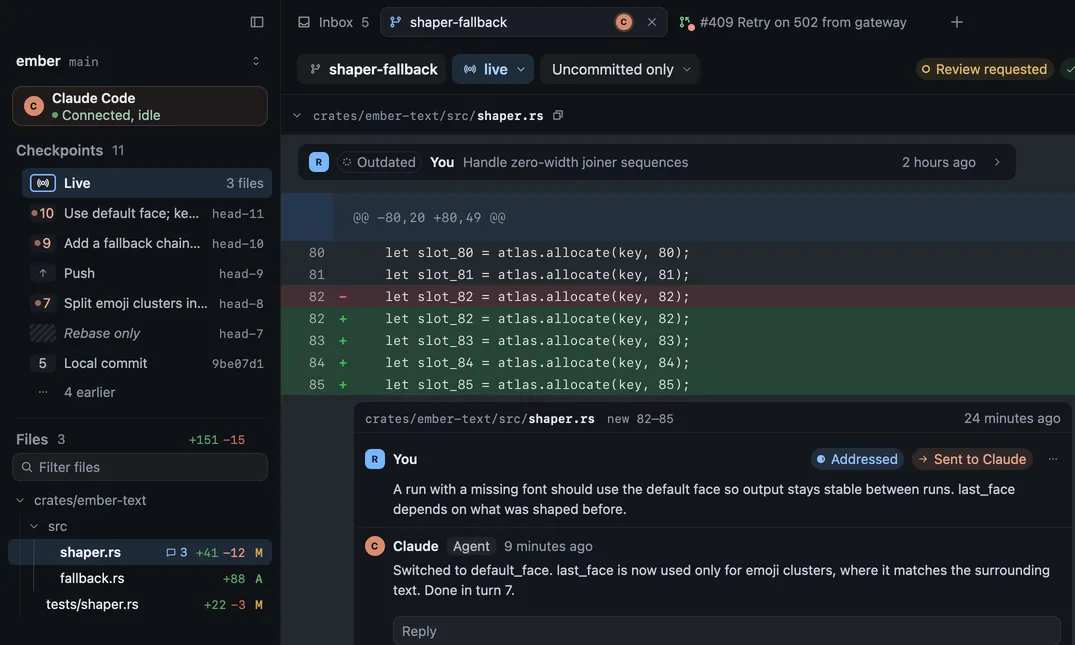
Pick a checkpoint to read that turn’s state, or two for a range of what changed between them. Checkpoints and agent sessions explains when checkpoints are recorded.
Lines you select in the diff go with your next prompt to Claude Code in a Revue terminal, or press ⇧⌘I to mention them in the prompt yourself.
Send comments to Claude
Section titled “Send comments to Claude”- Select a line and press C, or click the + beside it, and write your comment. It stays on this Mac and says Not sent.
- Send it. Send to Claude on a comment’s card sends that one. Send 3 to Claude in the context bar, or Review › Send Comments to Claude, sends every open comment not yet sent.
Sending never interrupts a turn. If Claude is working, your comments wait until the turn ends and no tool call is running. If the session says Not listening, they arrive with your next prompt.
| Action | Key |
|---|---|
| Add comment | C |
| Send comments to Claude | ⌥⌘↩ |
Check what it addressed
Section titled “Check what it addressed”Claude reads your comments, changes the code and replies in each thread, then marks it Addressed. A notice says how many it addressed, with View thread.


Addressed is Claude’s word, not yours. Read the reply and the change, then choose:
- Resolve (⇧E) when it’s right. Only you can resolve a comment.
- Not addressed (E) when it isn’t, so it goes back on Claude’s list.
Review Claude’s edits before they land
Section titled “Review Claude’s edits before they land”With Review Claude’s Edits on, Claude asks before each edit, even in auto mode, and the edit opens in Revue as a diff in its own tab before anything changes on disk. Each change has a checkbox:
- Accept writes the changes you left ticked. The button says how many, such as Accept 2 changes.
- Reject writes nothing and stops Claude’s turn. Closing the tab doesn’t reject the edit.
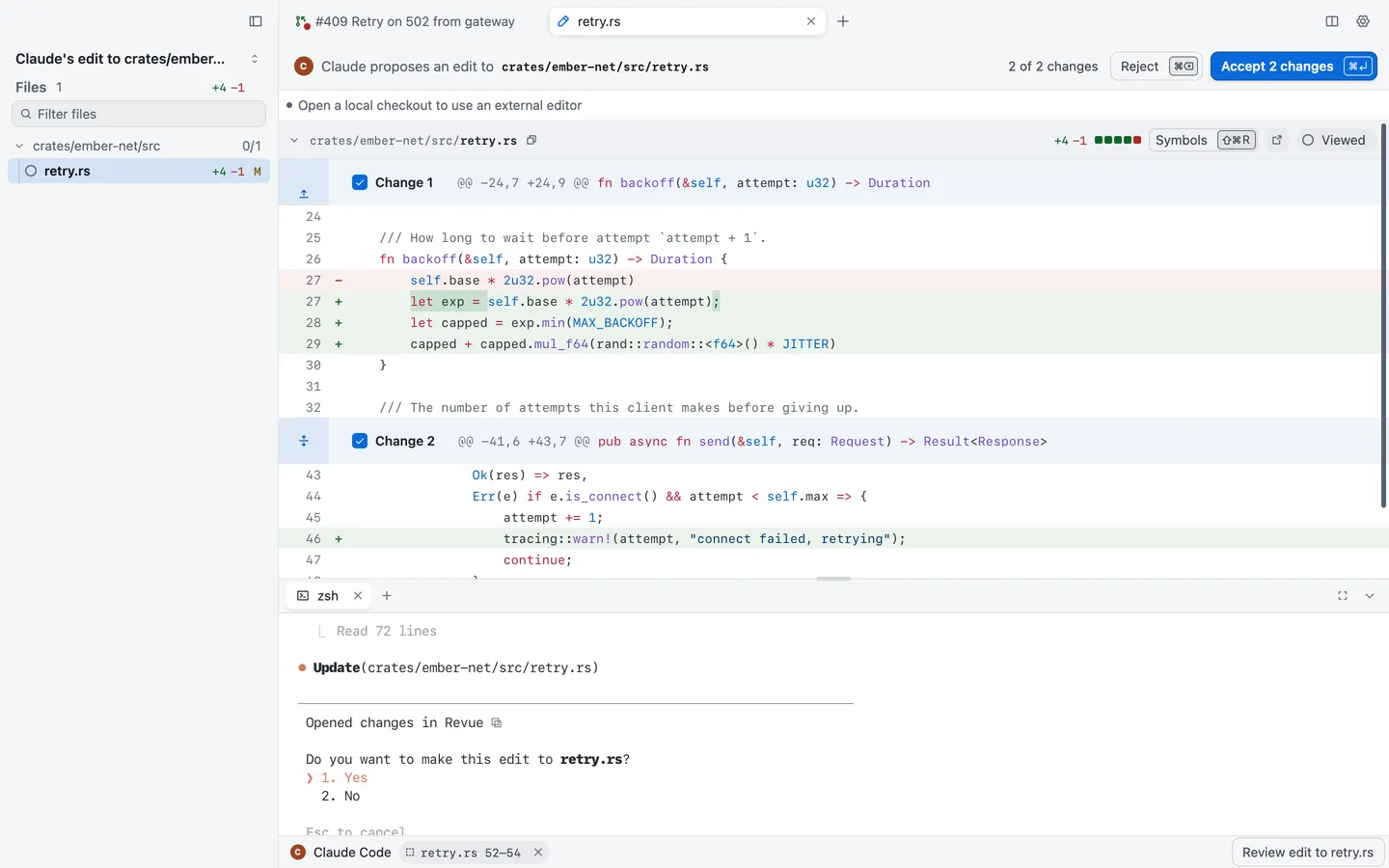
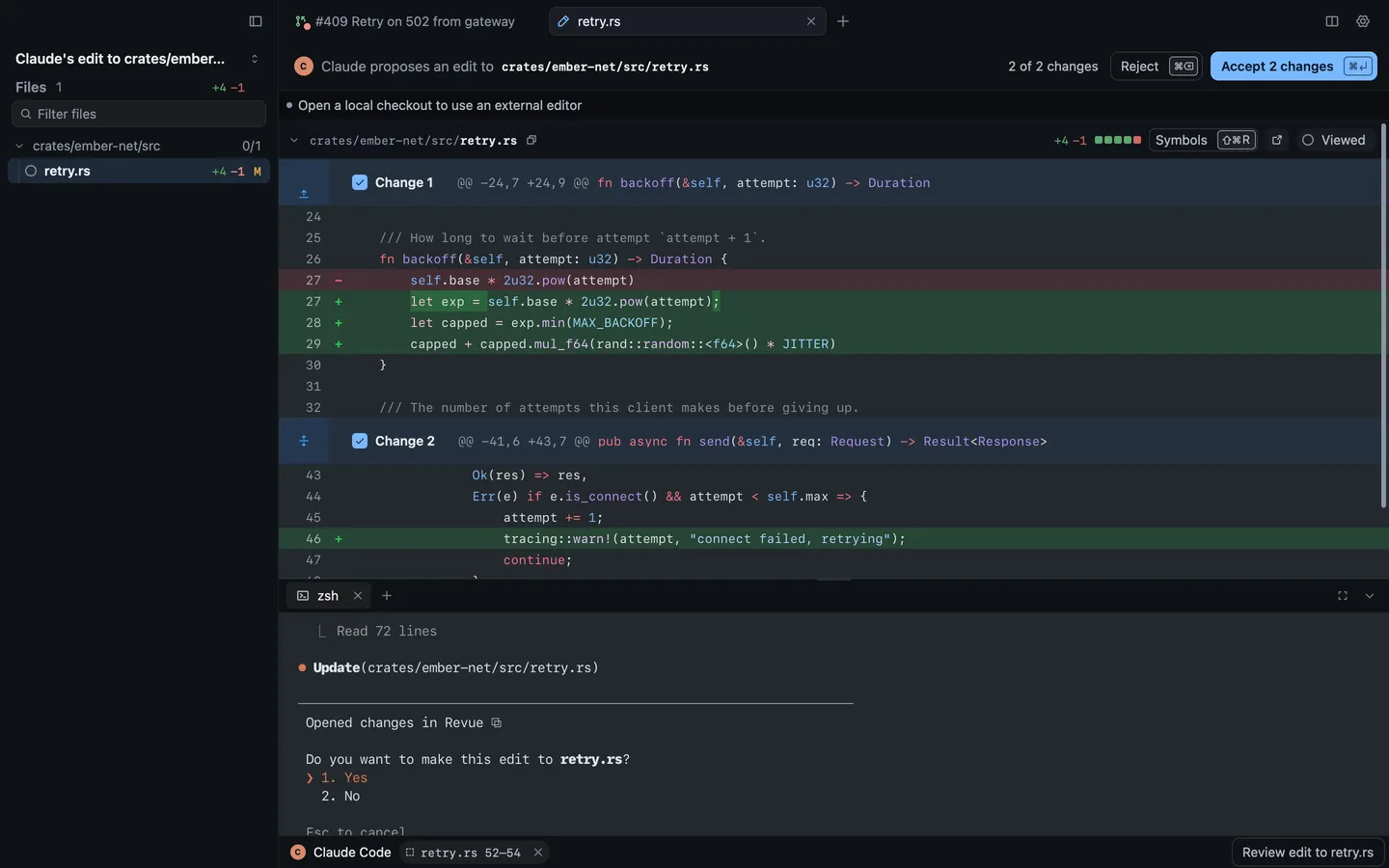
Turn it on with Review › Review Claude’s Edits, or in Settings › Terminal. It works only for sessions Revue starts.
| Action | Key |
|---|---|
| Accept Claude's edit | ⌘↩ |
| Reject Claude's edit | ⌘⌫ |
| Setting | Where | Options | Default |
|---|---|---|---|
| Review Claude’s edits | Settings › Terminal | On or off | Off |
| Share selections with Claude Code | Settings › Terminal | On or off | On |
| Claude Code command | Settings › Terminal | Claude Code |
The agent chip
Section titled “The agent chip”The session’s card in the sidebar, and a chip in the context bar while the sidebar is hidden, say what the session is doing: connected, working, quiet, not listening or disconnected. Session states says what each means. Click it for the session’s menu.
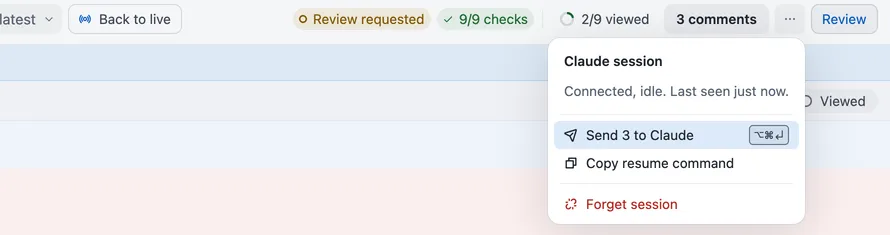
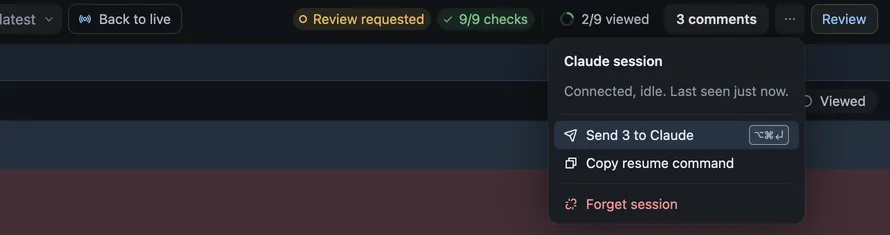
- Send N to Claude sends your open comments.
- Copy resume command copies the command that resumes the session in a terminal.
- Forget session disconnects it and returns its unread comments to the checkout. Claude Code keeps running, and the session connects again when it next starts, resumes or clears.
Review › Show Claude Code Session shows the session’s folder and when it last checked in.