Snapshots and ranges
Revue keeps every push to a pull request, so you can read any of them, compare two, or read only what changed since you last looked. This page explains the words Revue uses for them. Re-review with snapshots shows how to use them.
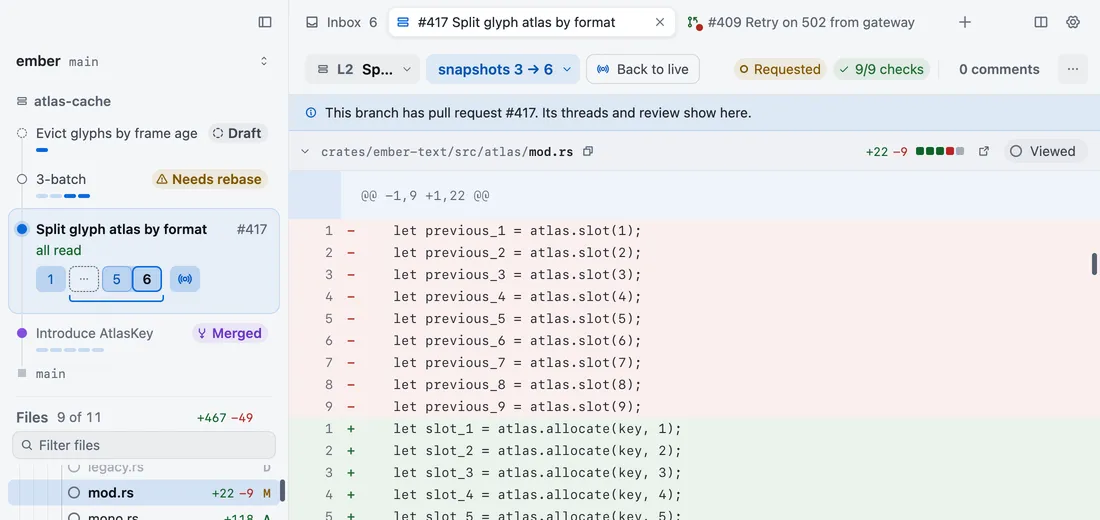
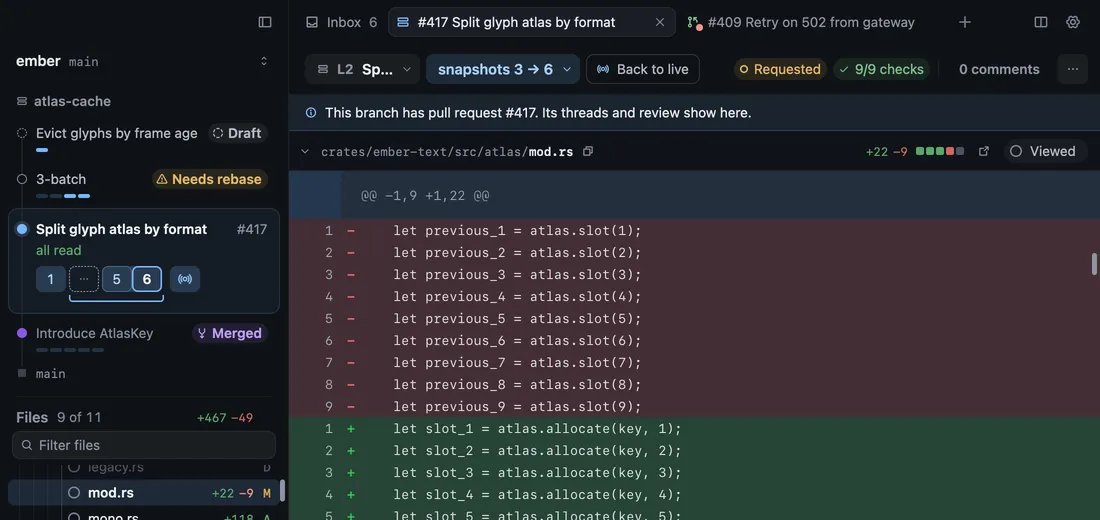
Snapshot
Section titled “Snapshot”A snapshot is the pull request as it stood after one push. Snapshot 2 shows the full pull request as of its second push. It isn’t only what changed since snapshot 1.
Each snapshot is a numbered tile in the snapshot menu and the stack card. Press ] and [ to step through them. When someone pushes, the new snapshot arrives and what you’re reading stays put. It’s the full pull request again, not only the new changes.
On a branch on your Mac, snapshots are called checkpoints. One is recorded when you commit, when you rebase, and when a coding agent finishes a turn. A checkpoint isn’t a commit you can restore.
A range compares two snapshots and shows only what changed between them. Use it to catch up on a pull request you’ve already read. It isn’t the commits between two pushes: it’s the difference between the code at one push and the code at the other.
Choose Range in the snapshot menu (⌥2), or Shift-click two snapshot tiles. You can’t add comments in a range. Go back to one snapshot (⌥1) to comment.
When the base branch moved between the two snapshots, Ignoring rebases shows only how this work changed, and leaves out the commits that came in from the base. It hides nothing the author wrote. Including rebases compares the two as they are.
Live shows the files on your Mac right now, before you commit. It exists only for a branch that’s checked out on this Mac. Choose it in the snapshot menu or press ⌥3. Uncommitted only (⌥W) narrows it to what you haven’t committed yet.
Live isn’t the Inbox’s live updates, which are how the Inbox hears from GitHub as things happen.
Since last look
Section titled “Since last look”Revue remembers the last snapshot you looked at. Mark as looked (⇧⌘L) sets it by hand. Two commands start from it:
- Changes since last look (R) opens the range from the snapshot you last looked at to the latest one. When a push lands on a pull request you’ve read, the bar offers the same range.
- Since my last look, on a branch on your Mac, compares the files on your Mac with the last time you looked.
Looking isn’t the same as viewing. Viewed marks one file you’ve read. Mark as looked marks the last snapshot you read. Mark read in the Inbox marks a whole pull request. Each is a mark of its own.
Rebase-only snapshots
Section titled “Rebase-only snapshots”A push that only rebased onto a newer base, with no change to the code, is a rebase-only snapshot. Revue shows it as a hatched tile, so you can see it happened without stepping through it. Quiet rebase-only snapshots in Settings › Sync and stacks turns this on and off, and it’s on unless you change it.