Work with a stack
Review a stack one layer at a time, each layer showing only what it adds on top of the one below. This page shows how to move through a stack, check a layer out and tell Revue which branch the stack is built on.
How Revue finds a stack
Section titled “How Revue finds a stack”Open a pull request or a branch that’s part of a stack, and the stack card appears in the sidebar above the files. Revue puts it together from GitHub’s own stack and from your checkout, including stacks made with gh-stack. Stacks and layers explains how the two are combined.
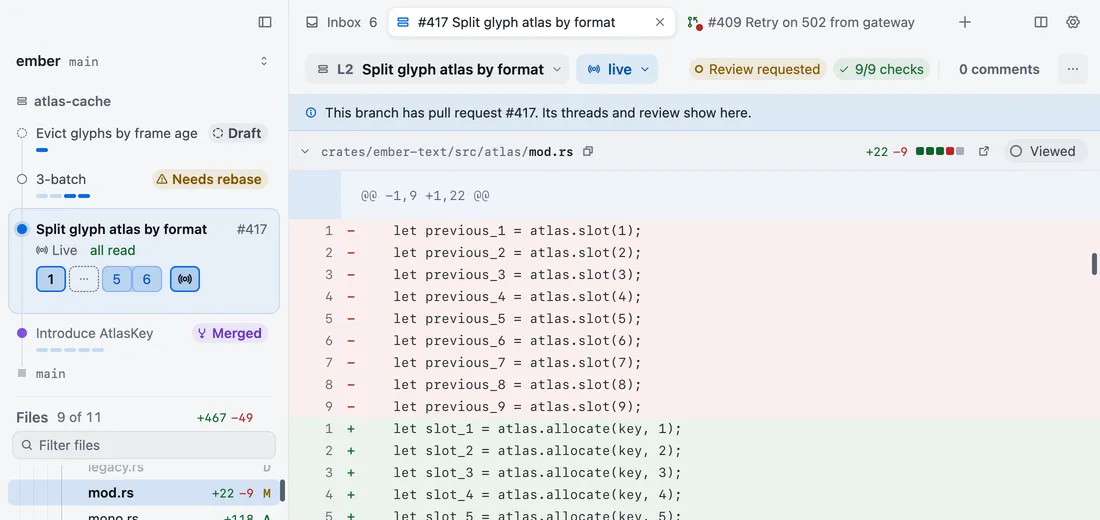
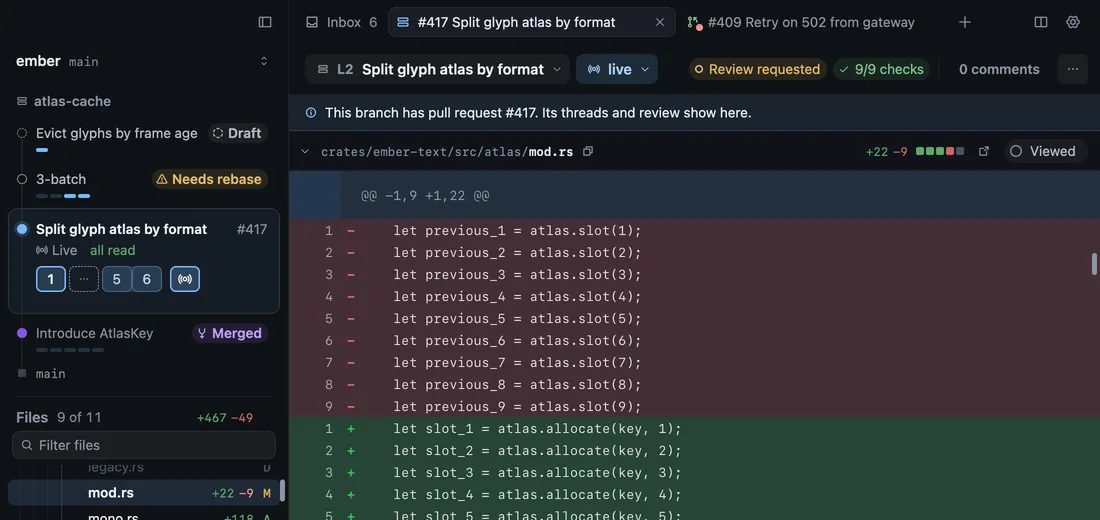
A branch with no stack is read as a single layer, so everything on this page works on a plain branch too. To hide the card, turn off Show stack sidebar in Settings › Sync and stacks.
Move between layers
Section titled “Move between layers”Click a layer in the stack card to open it in the same tab. ⌘-click it to open it in a new tab, or right-click it for the layer’s menu. From the keyboard, or from the Go menu:
| Action | Key |
|---|---|
| Next layer | ⇧↓ |
| Previous layer | ⇧↑ |
- Go › Go to Checked-Out Layer opens the layer your checkout is on.
- Go › Open Layer in New Tab opens a layer in a tab of its own.
Each layer’s diff is compared with the layer below it, so moving up the stack shows each change on its own.
Read a layer’s state
Section titled “Read a layer’s state”Each row ends with the layer’s state, such as Draft, Needs rebase or Merged, and the line under the context bar says what it means for the tab you’re reading. Stacks and layers lists every state.
Check out a layer
Section titled “Check out a layer”To see a layer’s uncommitted work, or to change it, check it out. On a layer no checkout holds, the line under the context bar says “Check out this layer to see uncommitted work.” Choose Check out there, or the check out button on the layer’s row in the stack card.
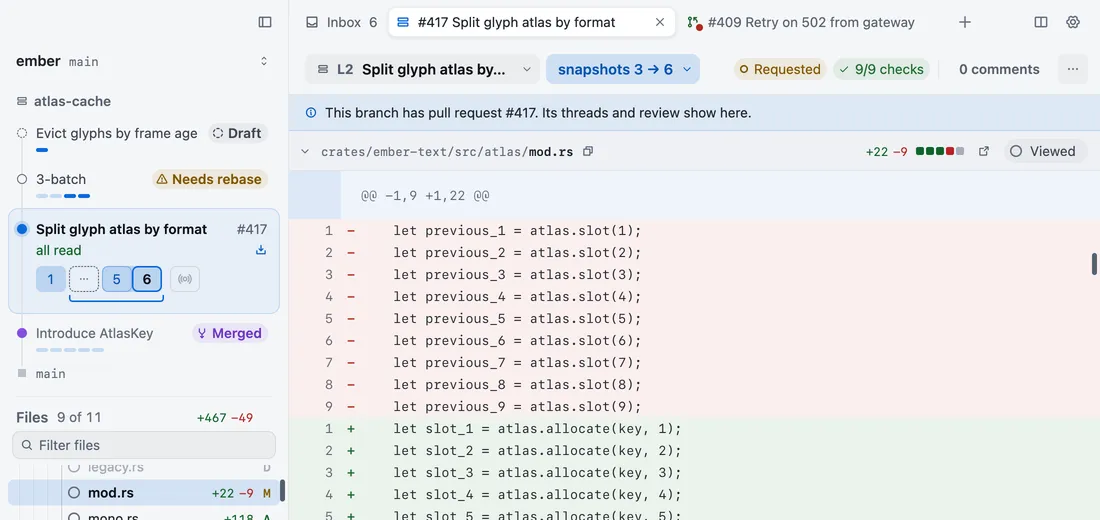
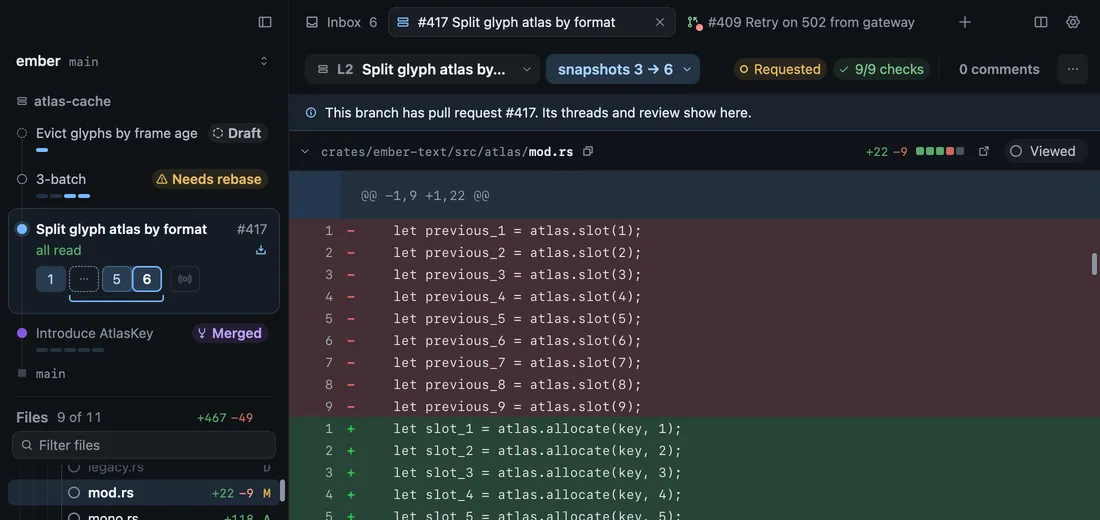
Revue leaves your current checkout alone. It makes a git worktree in a folder beside your checkout, named after it with
.worktrees on the end, such as ember.worktrees/split-atlas for the branch split-atlas of a checkout at ember.
A / in a branch name becomes - in the folder’s name.
A new worktree has none of your ignored files, such as dependencies and build output. Revue can prepare it in the background. In Settings › External editor › Worktree setup, for the repository you have open:
- Prepare new worktrees turns the setup on or off.
- Install command runs a command in the new worktree. Left at
auto, Revue runspnpm install --frozen-lockfile --prefer-offlinewhen the worktree has apnpm-lock.yaml. Leave it blank to skip installing. - Paths to clone from this checkout copies ignored paths, such as build outputs, from your checkout. They’re copied as APFS clones, so they use almost no disk, and existing files are never replaced.
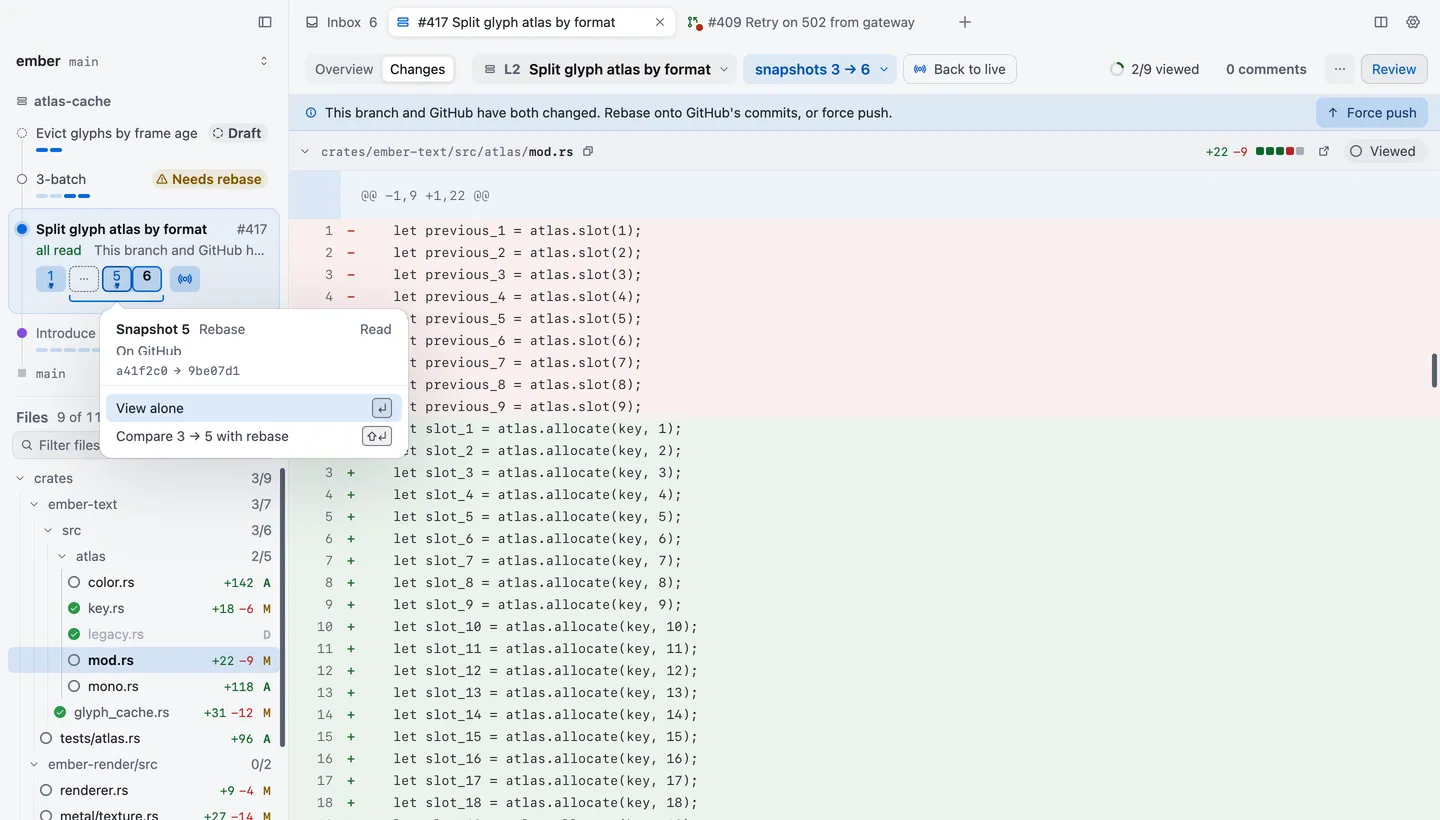
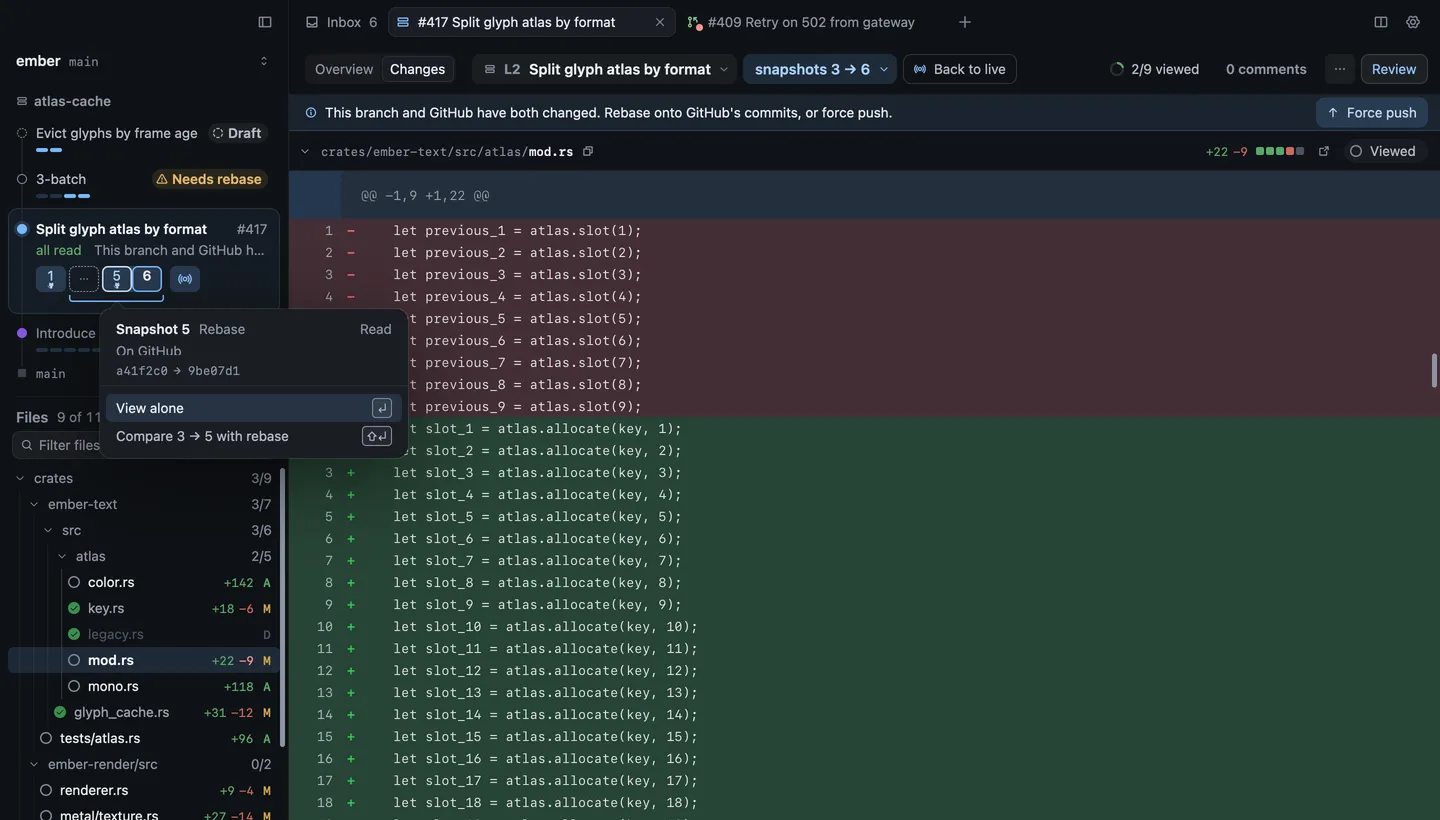
When a layer and its pull request have both moved, the line under the context bar says so and offers what fits: Push, Pull, Rebase onto GitHub’s commits, or Force push, which asks first. These act on that one branch. They never restack the layers above it.
Set the trunk
Section titled “Set the trunk”The trunk is the branch the stack is built on. Revue finds it by itself. If it picks the wrong one, name it here. A stack whose own state names a parent branch keeps it.
| Setting | Where | Options | Default |
|---|---|---|---|
| Default trunk branch | Settings › Sync and stacks | None | |
| Show stack sidebar | Settings › Sync and stacks | On or off | On |