Commit and create a pull request
When the work in your checkout reads right, commit exactly the lines you mean to, then push and open the pull request without leaving Revue. Each step is its own click, and nothing goes to GitHub until you choose Create.
Commit files, hunks or lines
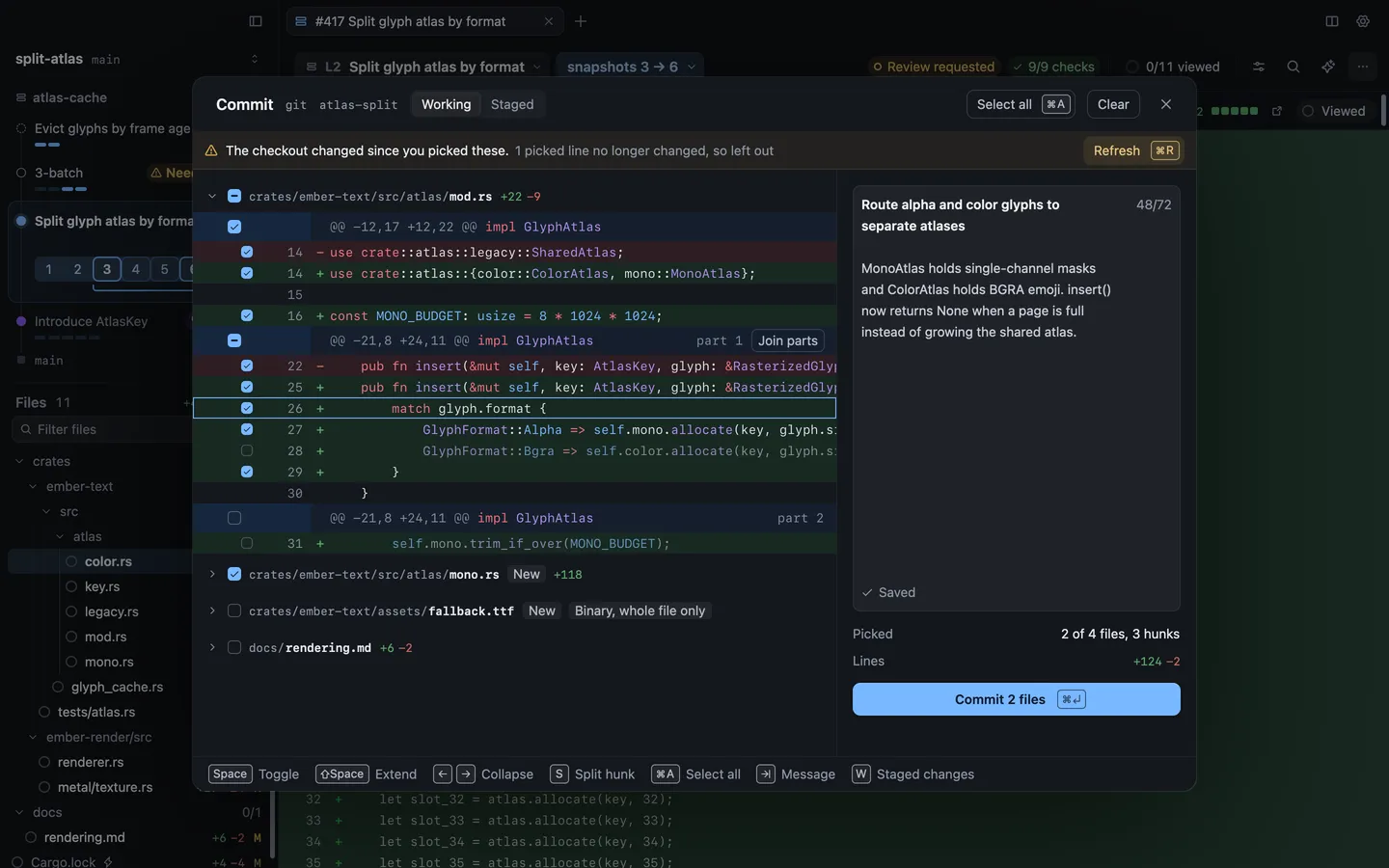
Section titled “Commit files, hunks or lines”Choose Review › Commit (⌘↩), or Commit in the context bar’s actions menu, on a branch checked out on this Mac. The commit sheet lists every changed file with its hunks and lines, each with a checkbox. Only what you tick is committed.
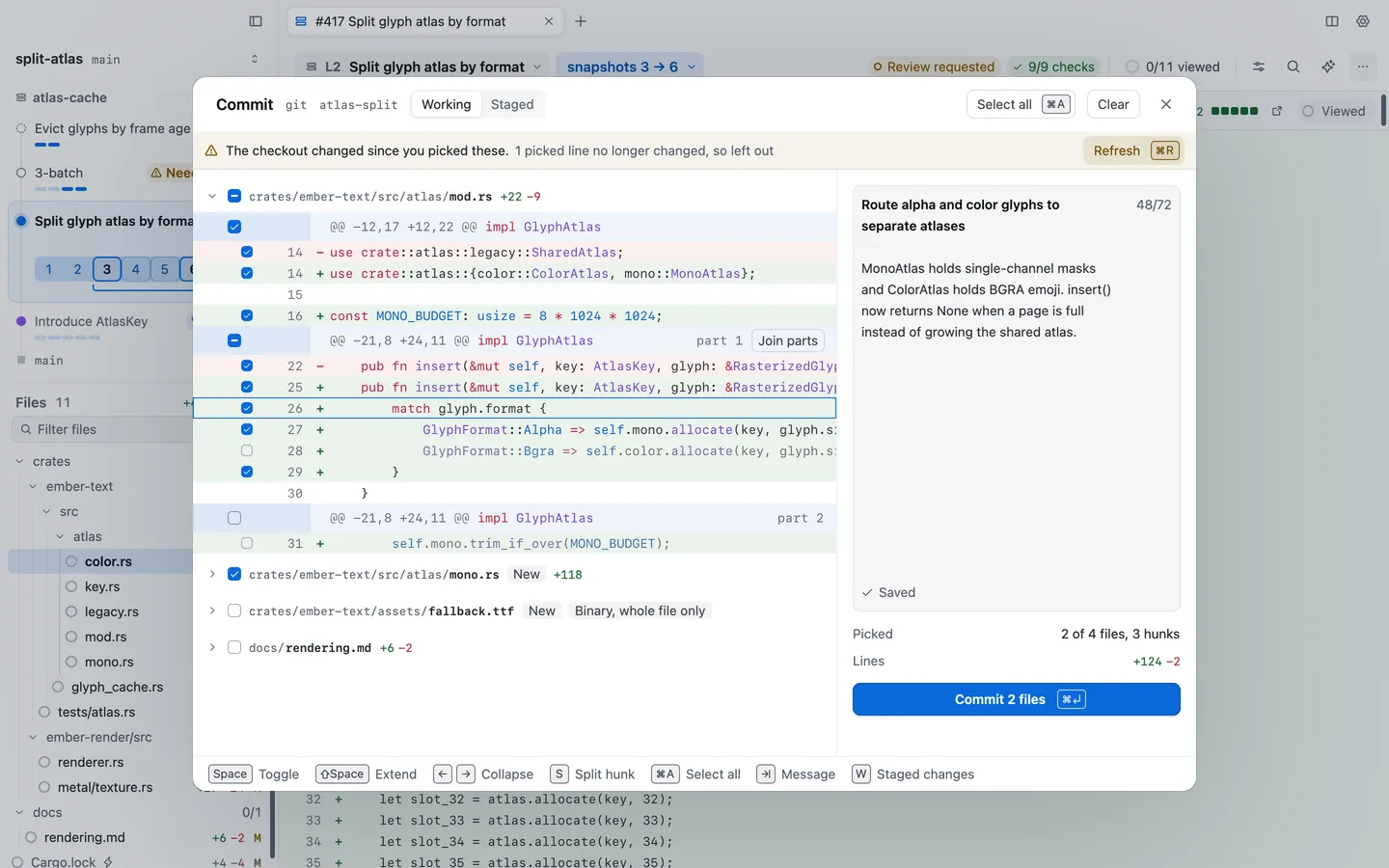
| Key | What it does |
|---|---|
| Space | Tick or untick the file, hunk or line you’re on |
| ⇧Space | Extend the selection |
| ← → | Fold or open a file |
| S | Split a hunk into parts you can pick on their own |
| ⌘A | Select all |
| ⇥ | Move to the message |
| W | Switch between working and staged changes, when some are staged |
A binary file can only be committed whole. Write the message on the right, where spelling is checked as you type, then choose Commit. The button says how many files go in, such as Commit 2 files.
The sheet follows your checkout while it’s open. If a file changes under it, your picks follow their lines, and the sheet says when a picked line no longer changed and was left out.
Draft the title and description
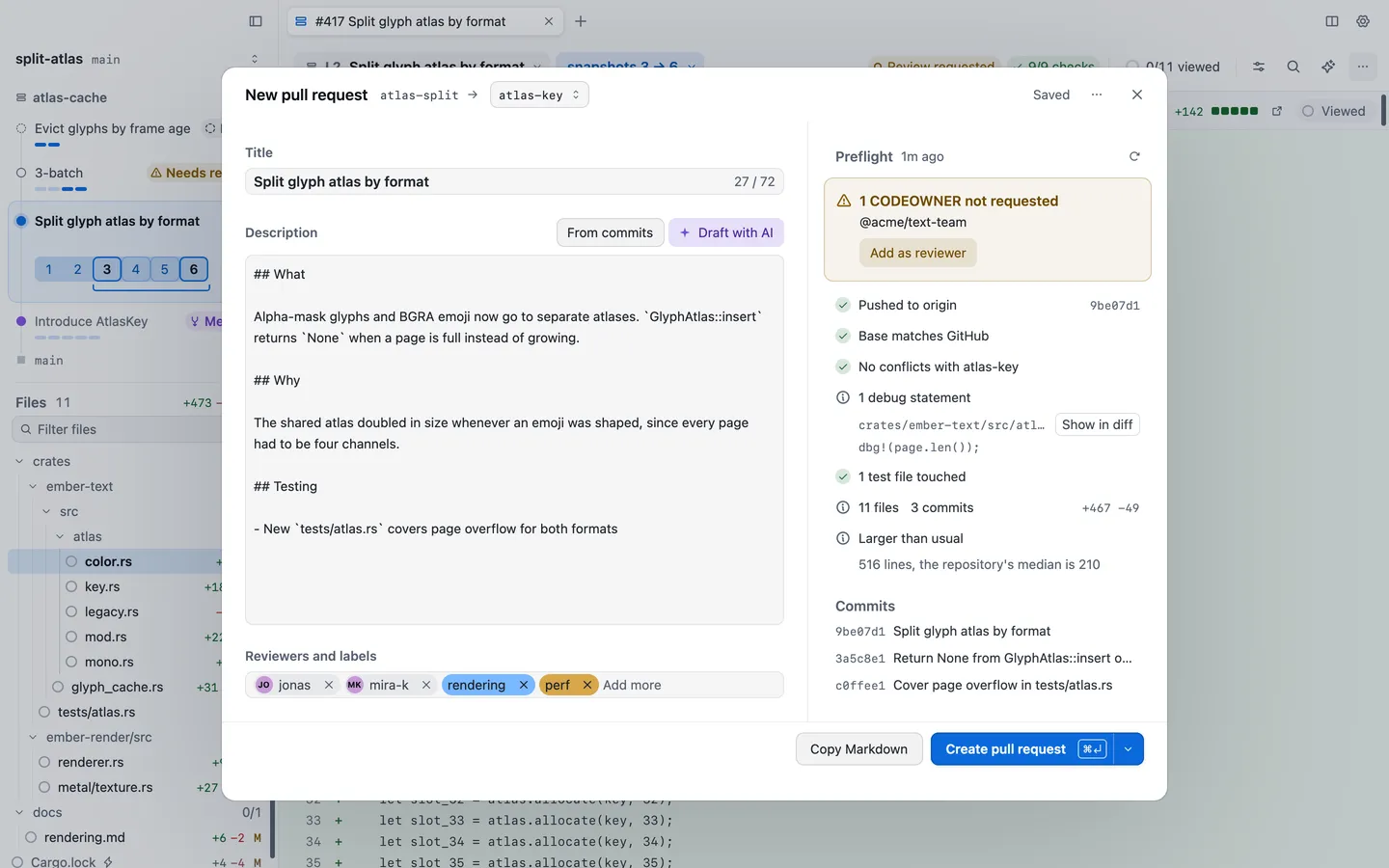
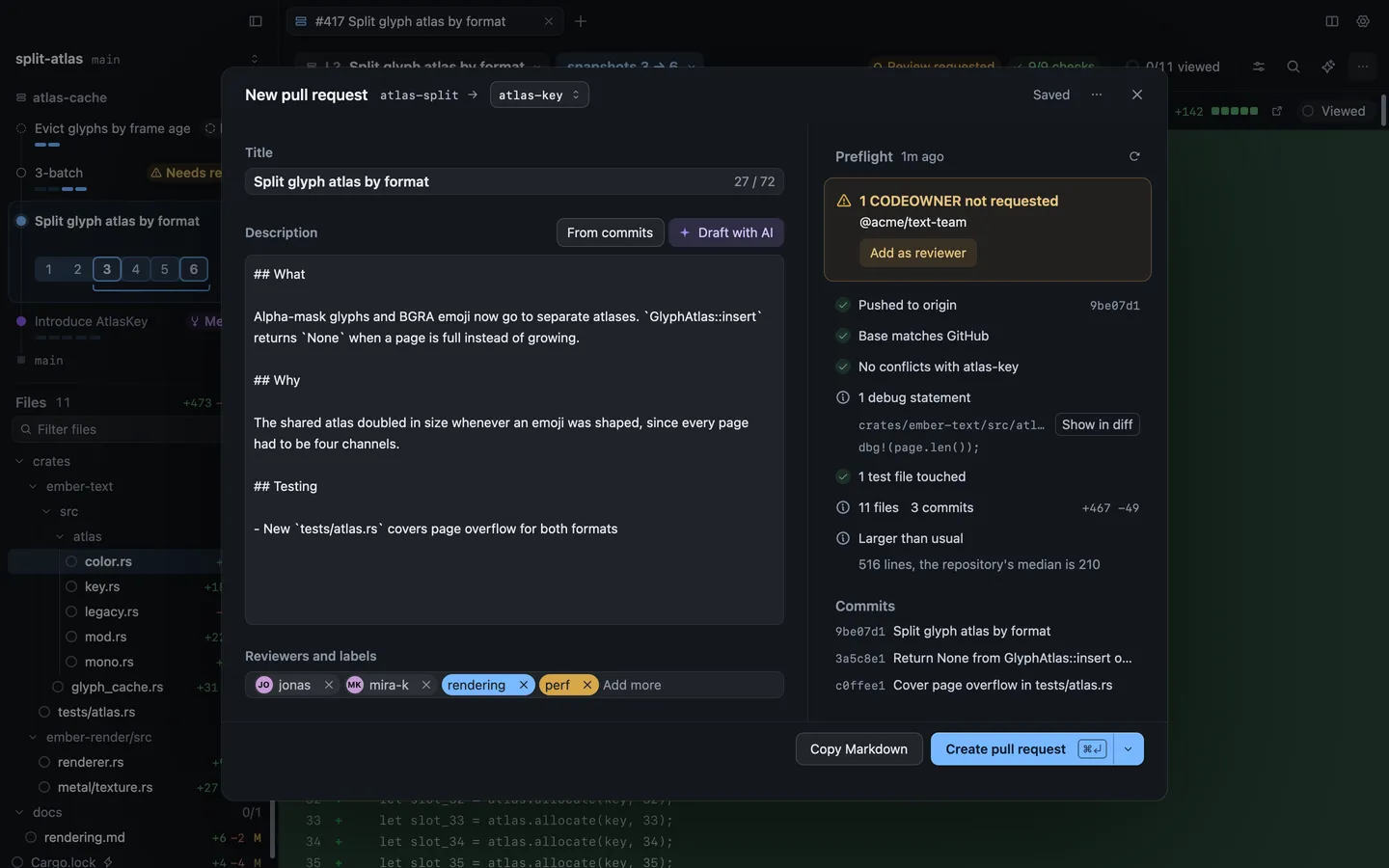
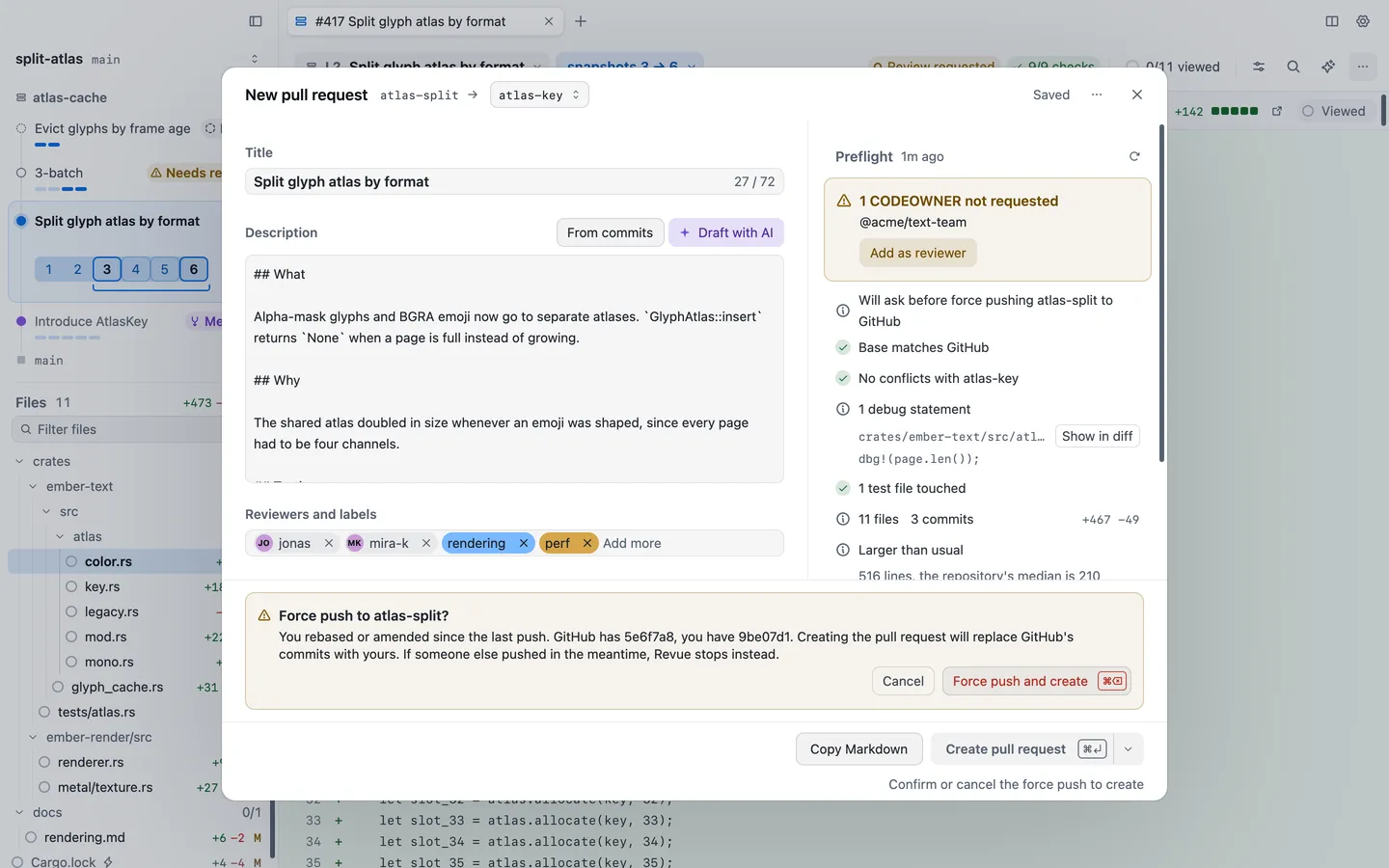
Section titled “Draft the title and description”Choose Review › Create Pull Request. The New pull request sheet shows your branch, the base it opens against and, on the right, the preflight.
Write the title and description, or start from one of these. Revue asks before it replaces anything you wrote.
- From commits fills the description with a list of the branch’s commit subjects.
- Draft with AI asks your own Claude Code or Codex, as chosen in Settings › AI review, to write a title and description from the diff. It uses the Synthesis model, or the Codex model with Codex.
Add reviewers and labels under them. The draft saves itself a moment after you stop typing. ⌘’ moves focus between the form and the diff, so you can check a line while you write.
Preflight
Section titled “Preflight”Preflight checks the branch before anything is pushed. It reads the base branch from GitHub, so your local copy of the base never needs updating. Red cards stop the pull request until you fix them, such as a conflict with the base. Amber cards are worth fixing, such as a code owner who isn’t requested yet, with Add as reviewer. Then come the checks that passed or are only information: whether GitHub has your commits, debug statements, test files touched, whether the change is larger than usual for the repository, and uncommitted changes left out, with Commit them.
The refresh button at the top runs preflight again.
Push and create
Section titled “Push and create”When nothing red is left, choose Create pull request (⌘↩). If GitHub doesn’t have your latest commits, Revue pushes the branch first, then creates the pull request. The arrow beside the button offers Create draft pull request instead.
Force push
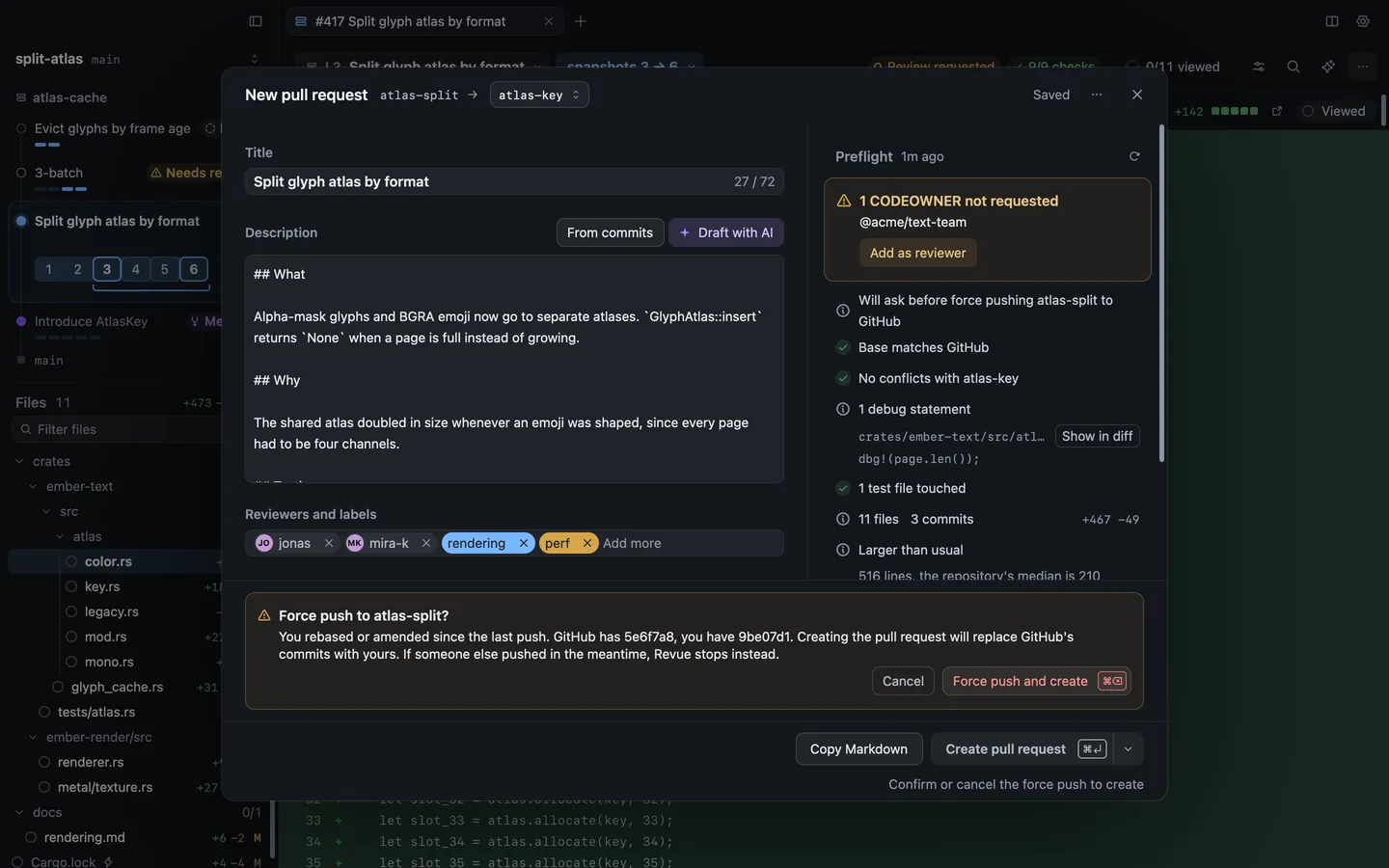
Section titled “Force push”If you rebased or amended after your last push, creating the pull request means replacing GitHub’s commits with yours. Preflight says it will ask first, and Create asks inside the sheet: “Force push to atlas-split?” Choose Force push and create (⌘⌫) to go ahead, or Cancel.
| Action | Key |
|---|---|
| Commit | ⌘↩ |
| Focus pull request form | ⌘' |